

For press and creators
Press kit
Thank you for your interest in Micstream. Everything on this page — facts, text, logos and screenshots — may be used in articles, reviews and videos about Micstream. Questions, quotes or a Pro licence for a review: contact@micstream.io.
About Micstream
Micstream turns the phone you already own into a microphone for your PC. The phone app streams your voice over Wi-Fi or a USB cable to the Micstream desktop client, where a custom Windows audio driver — or a PipeWire service on Linux — presents it as a regular microphone. That means it works in every app that accepts a mic input: Zoom, Teams, Google Meet, Discord, OBS, games, dictation and recording software.
Audio is captured at 48 kHz in 32-bit, encoded with the low-latency Opus codec and protected against packet loss with forward error correction. Built-in noise cancellation based on DeepFilterNet removes keyboard clatter, fans and street noise in real time — it is on by default and free. Micstream itself is free to use: a short ad unlocks an hour of streaming, and Micstream Pro removes ads and time limits as a monthly, yearly or one-time purchase.
Micstream is developed by Andreas Toth and published by StreamDev Technologies OÜ in Tallinn, Estonia. The Android app is on Google Play, the iPhone app on the App Store since September 2026, and the Windows and Linux clients are free downloads at micstream.io.
In one sentence
Micstream turns an Android phone or iPhone into a PC microphone for Windows and Linux — over Wi-Fi or USB, with built-in AI noise cancellation.
- Product
- Micstream
- Tagline
- Your phone as a PC microphone
- Phone app
- Android 8.0 or later (Google Play) · iOS 18 or later (App Store)
- Desktop client
- Windows 10 and 11, 64-bit, with a custom audio driver · Linux through PipeWire (.deb, .rpm, tarball)
- Connection
- Wi-Fi or USB cable; the PC is discovered automatically
- Audio
- 48 kHz / 32-bit, Opus codec, forward error correction, 5–10 ms algorithmic delay
- Noise cancellation
- DeepFilterNet-based, on by default, free
- Pricing
- Free with ads — one short ad unlocks an hour of streaming. Micstream Pro removes ads and time limits: monthly, yearly or a one-time lifetime purchase, from $1.99 a month
- Website
- micstream.io
- Company
- StreamDev Technologies OÜ, Tallinn, Estonia
- Founder
- Andreas Toth
- Press contact
- contact@micstream.io
Downloads
Each section has a zip with every file, and every file can be downloaded on its own.
App icon
The store icon, square. Platforms round the corners themselves.

All 3 files
- App icon 1024×1024 1024×1024 · 6 KB
- App icon 512×512 512×512 · 4 KB
- App icon 256×256 256×256 · 3 KB


Logo
The waveform mark in both brand colours: blue on light backgrounds, yellow on dark ones. The SVG scales to any size; the PNGs have transparent backgrounds.
 Logo with wordmark, blue (for light backgrounds) 1721×395 · 16 KB
 Logo with wordmark, yellow (for dark backgrounds) 1721×395 · 16 KB
All 10 files
- Logo, blue (for light backgrounds), SVG 1 KB
- Logo, blue (for light backgrounds), 1024×1024 1024×1024 · 5 KB
- Logo, blue (for light backgrounds), 512×512 512×512 · 2 KB
- Logo, blue (for light backgrounds), 256×256 256×256 · 1 KB
- Logo with wordmark, blue (for light backgrounds) 1721×395 · 16 KB
- Logo, yellow (for dark backgrounds), SVG 1 KB
- Logo, yellow (for dark backgrounds), 1024×1024 1024×1024 · 5 KB
- Logo, yellow (for dark backgrounds), 512×512 512×512 · 2 KB
- Logo, yellow (for dark backgrounds), 256×256 256×256 · 1 KB
- Logo with wordmark, yellow (for dark backgrounds) 1721×395 · 16 KB








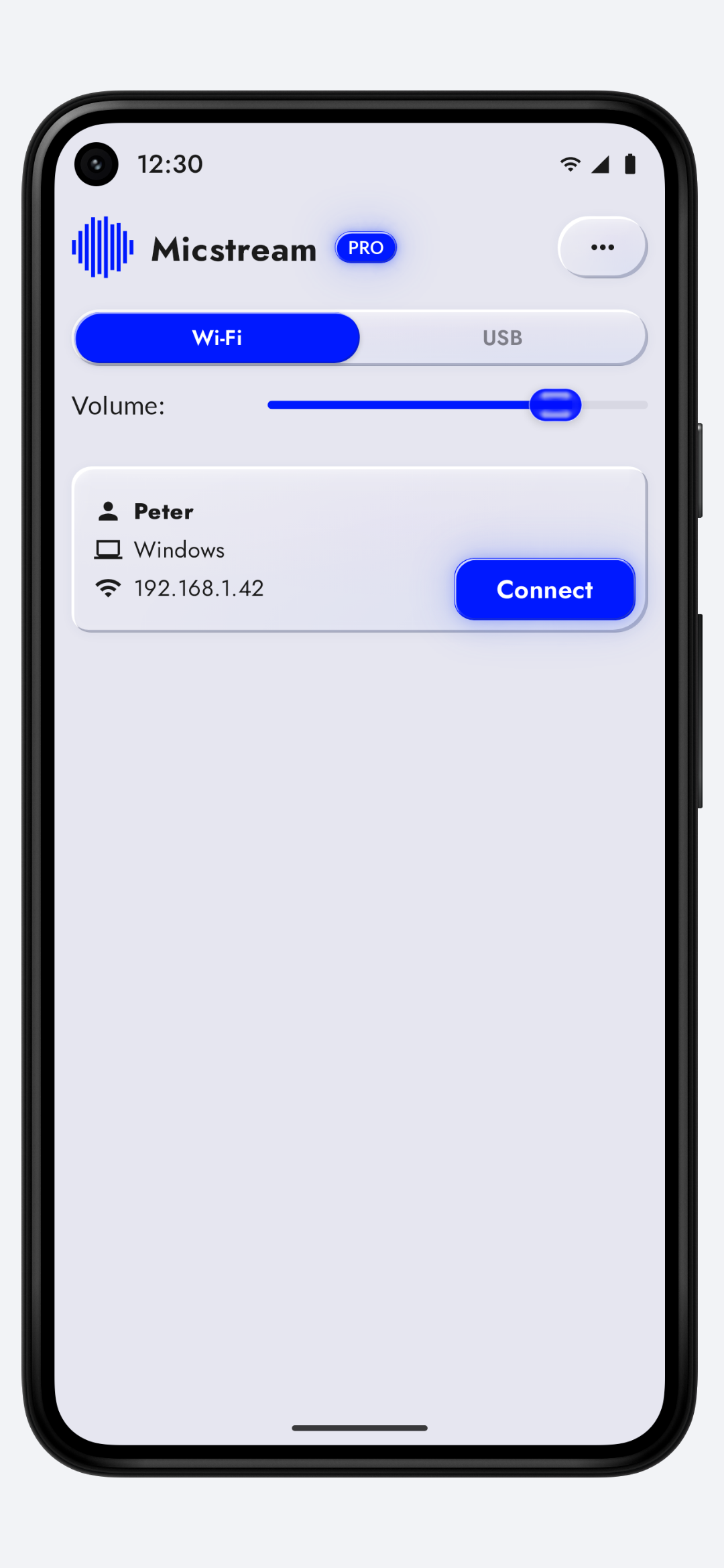
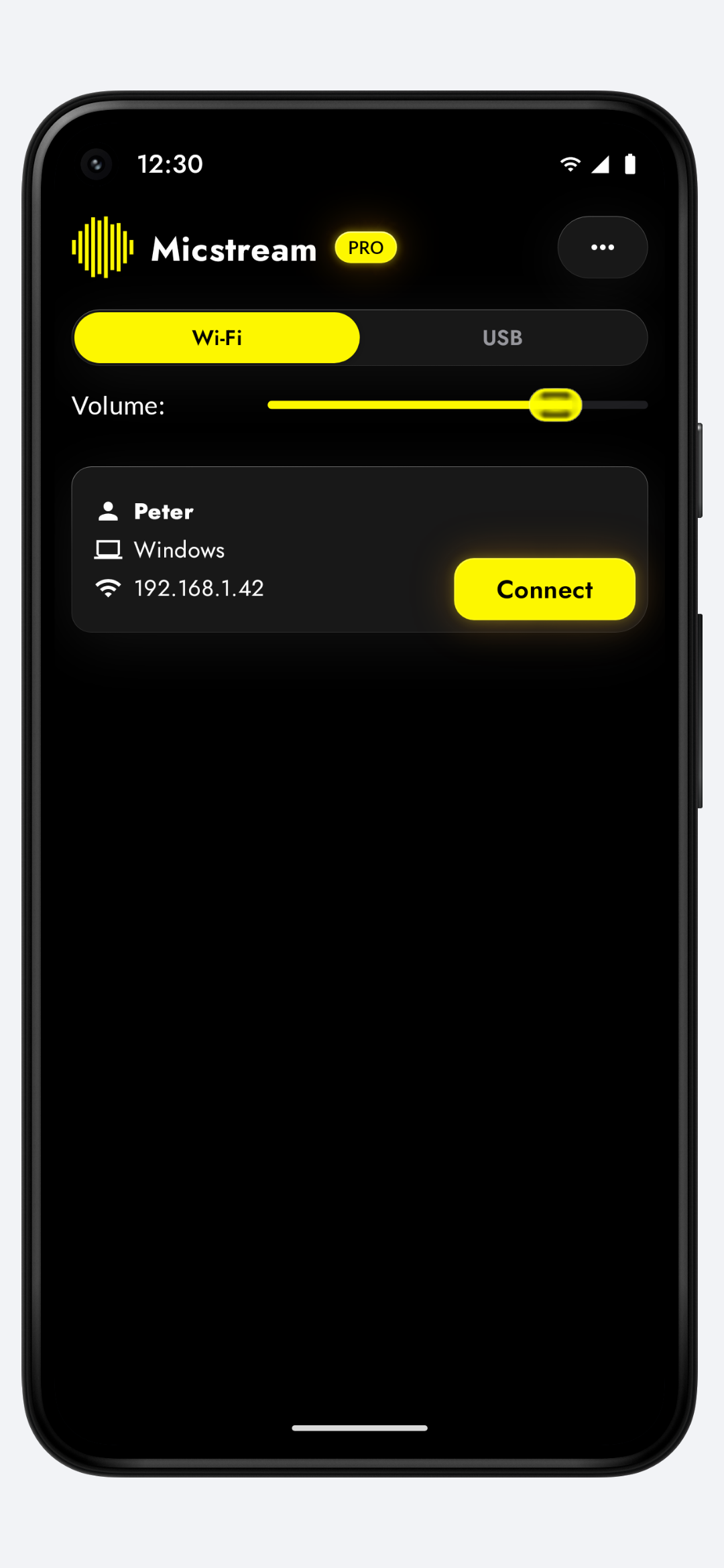
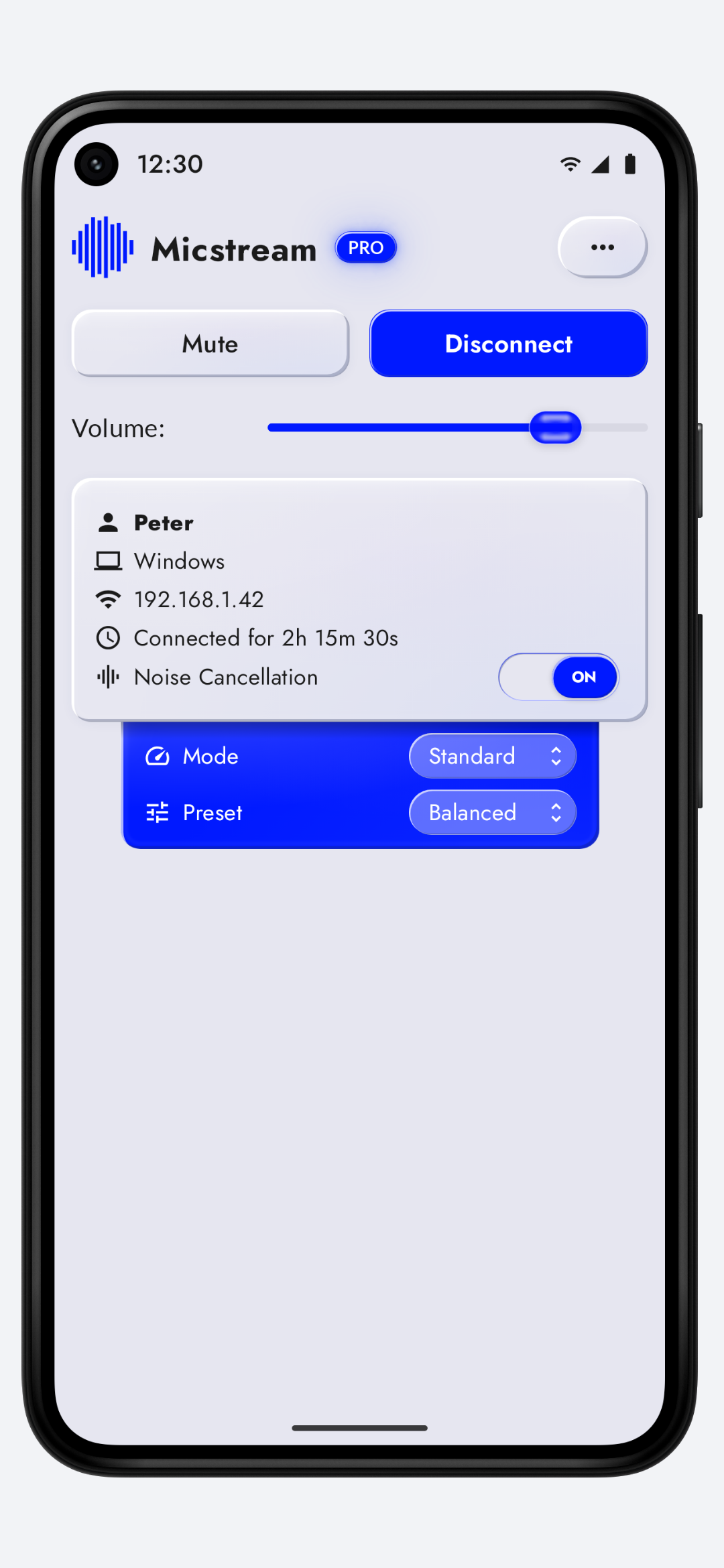
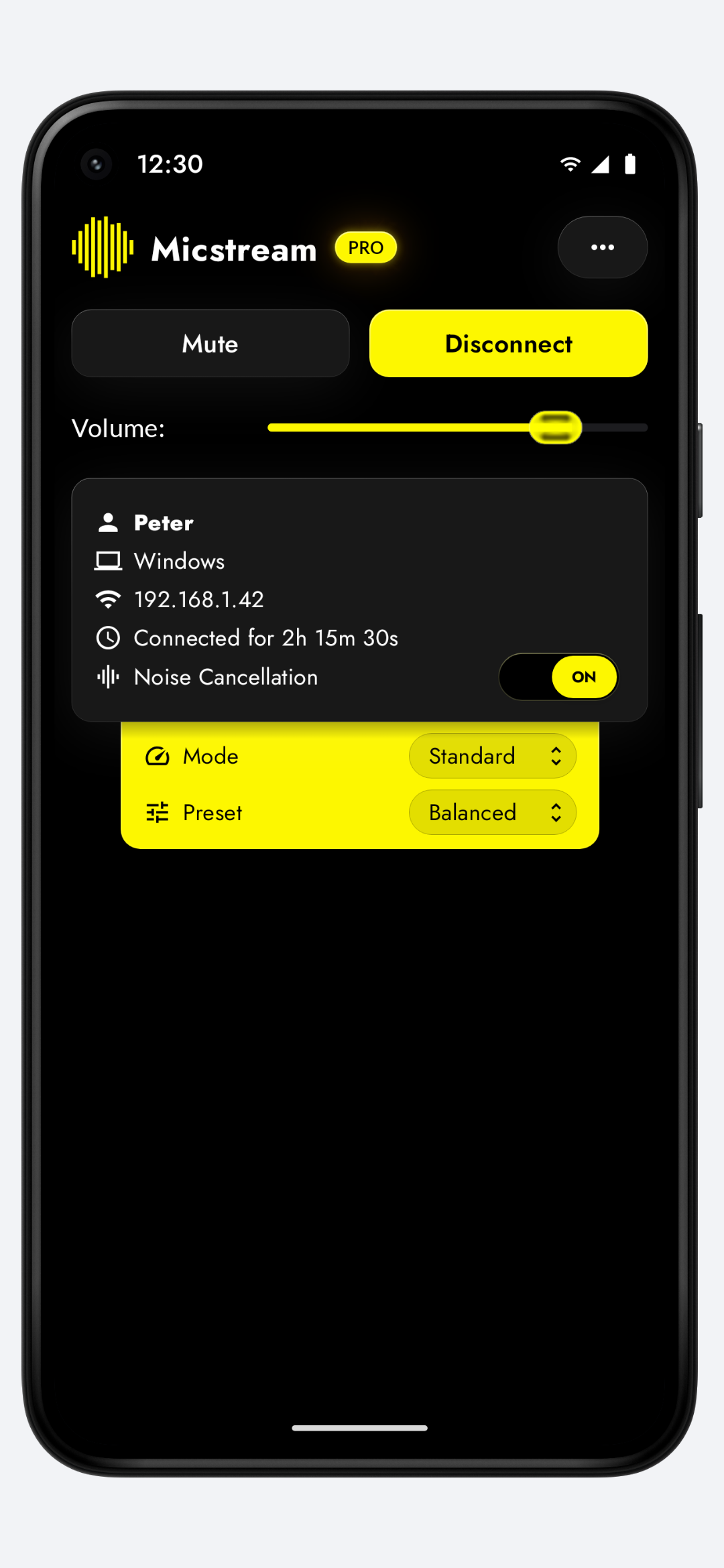
Android screenshots
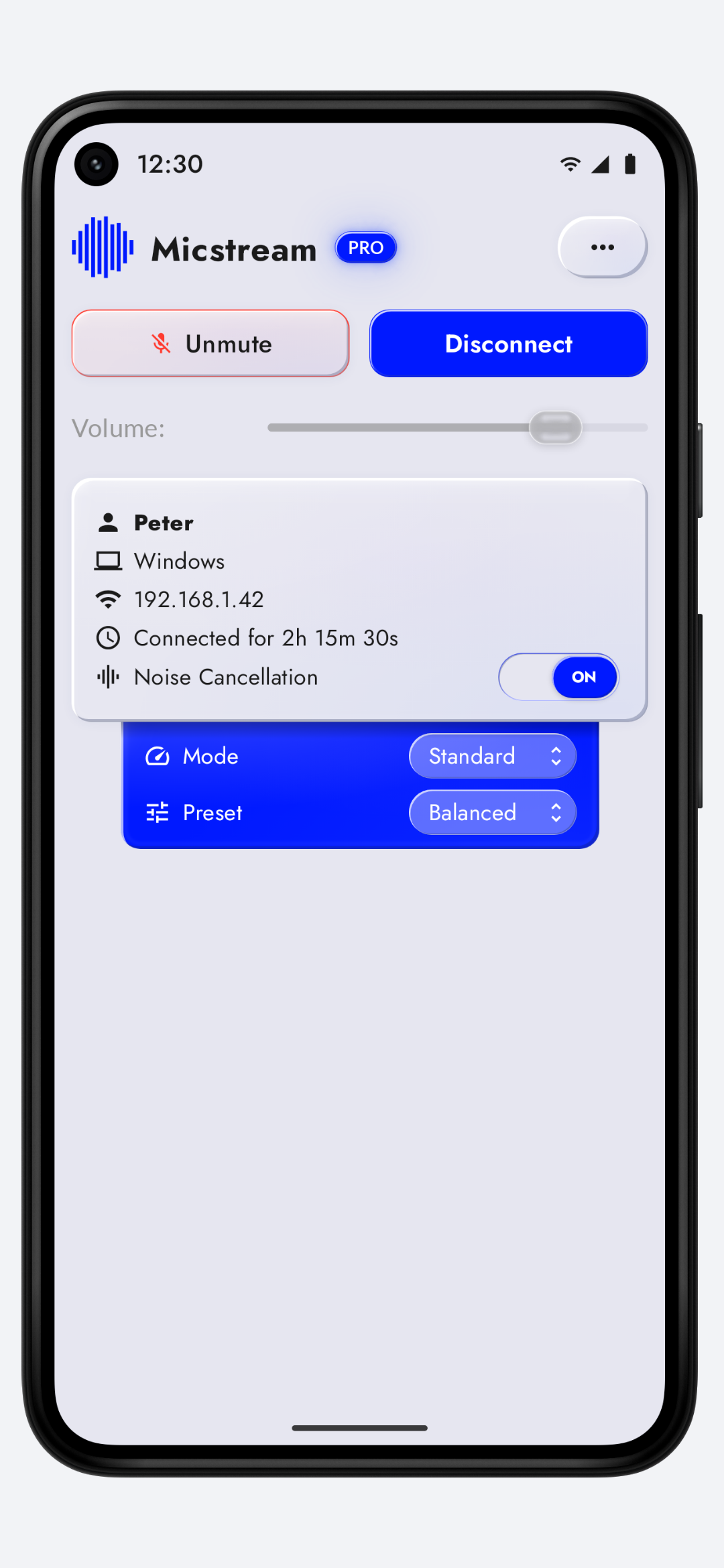
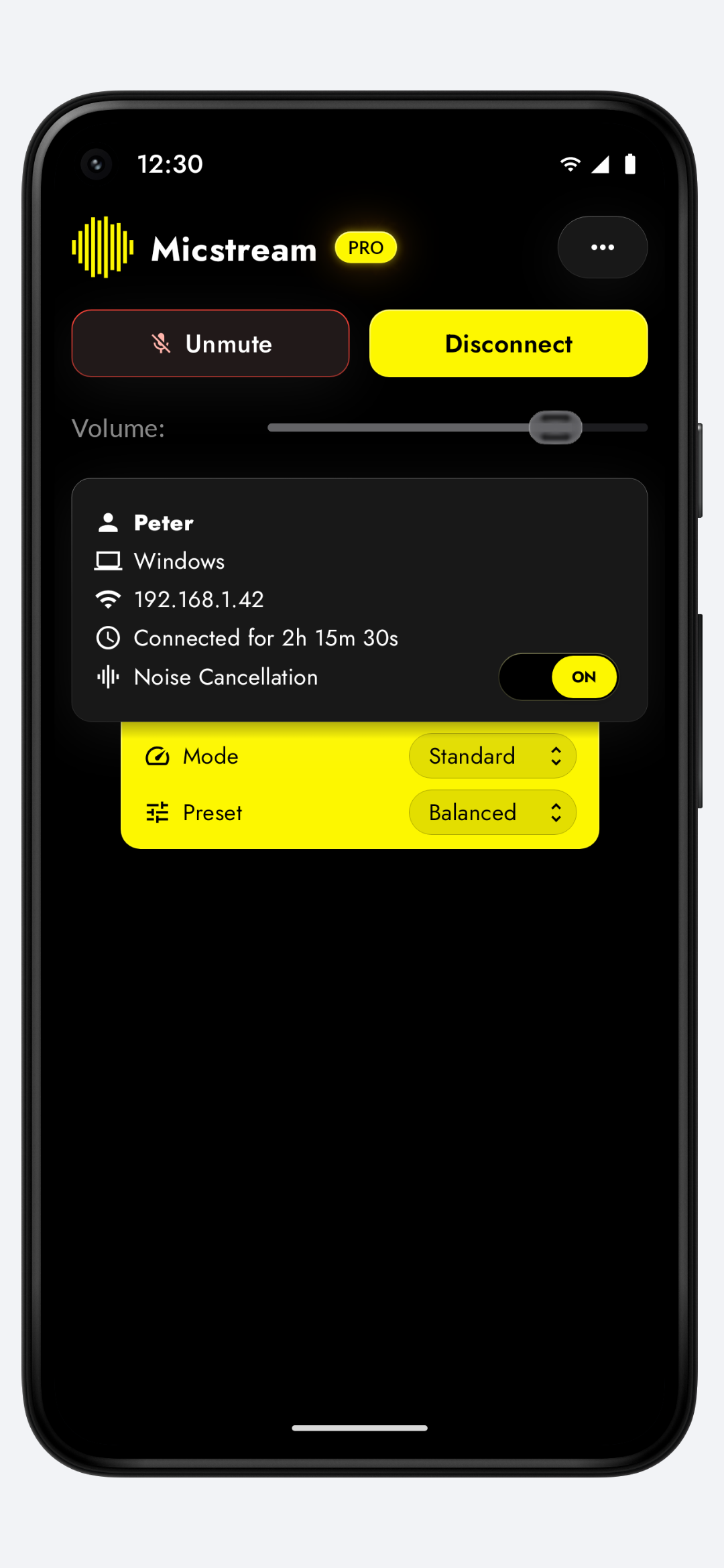
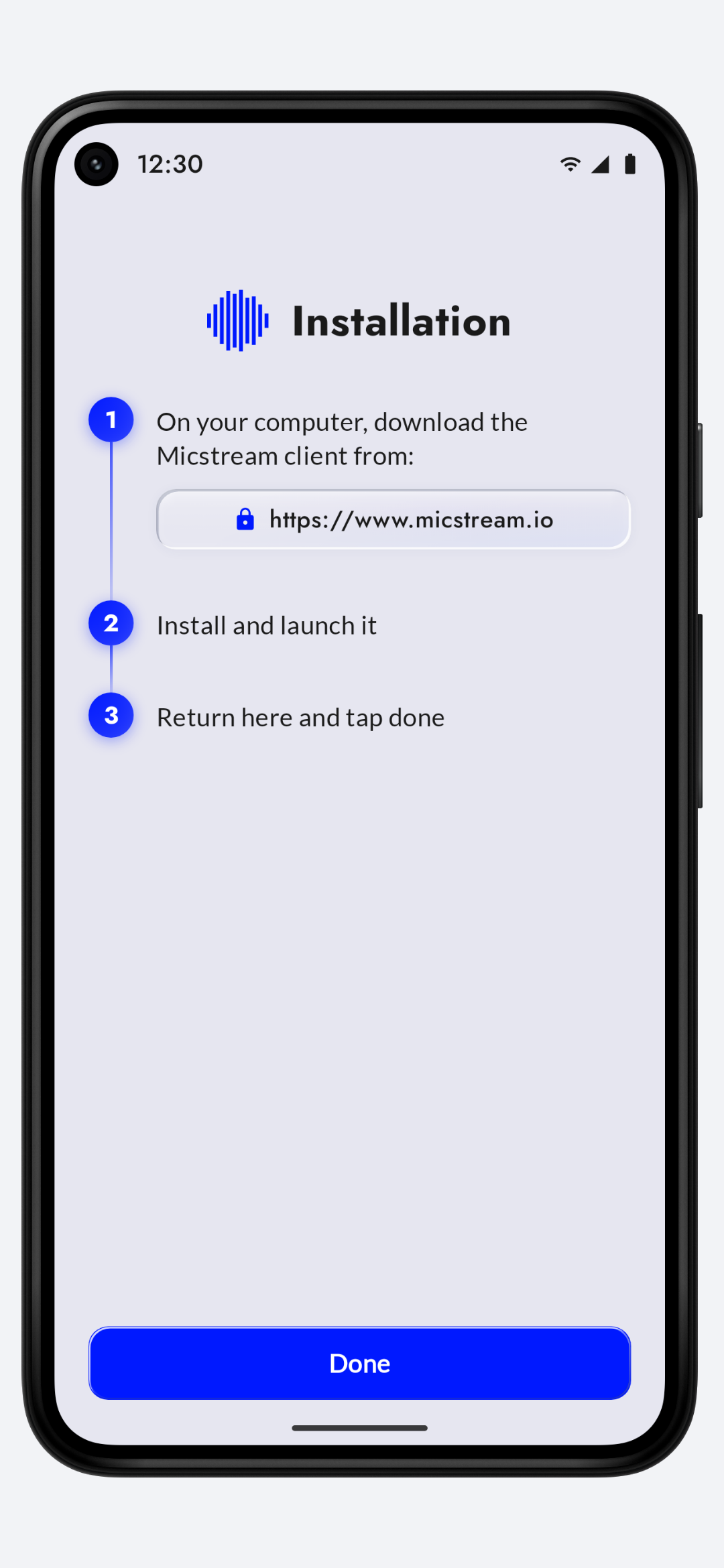
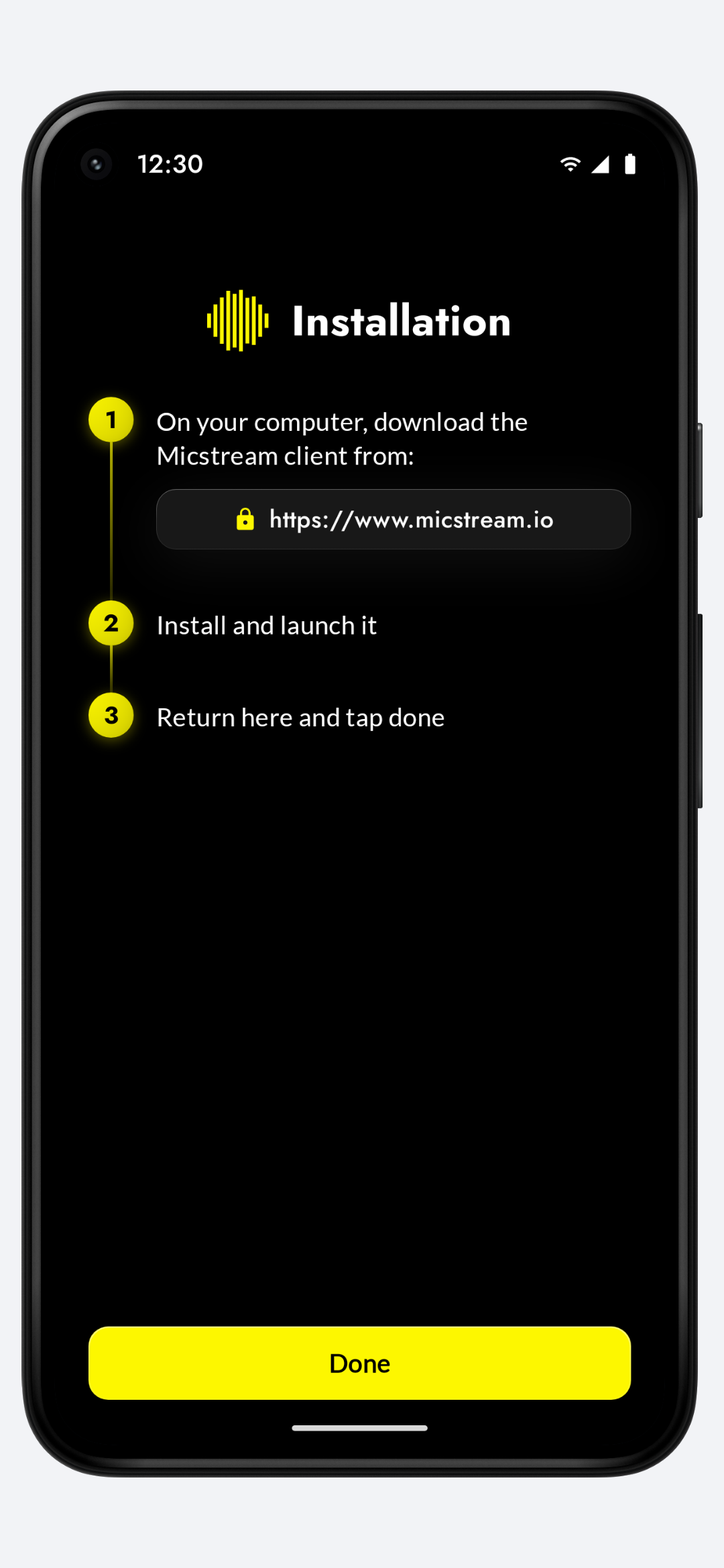
Pixel 5 renders at 1080×2340 — every screen in light and dark theme, plain and inside a device frame.
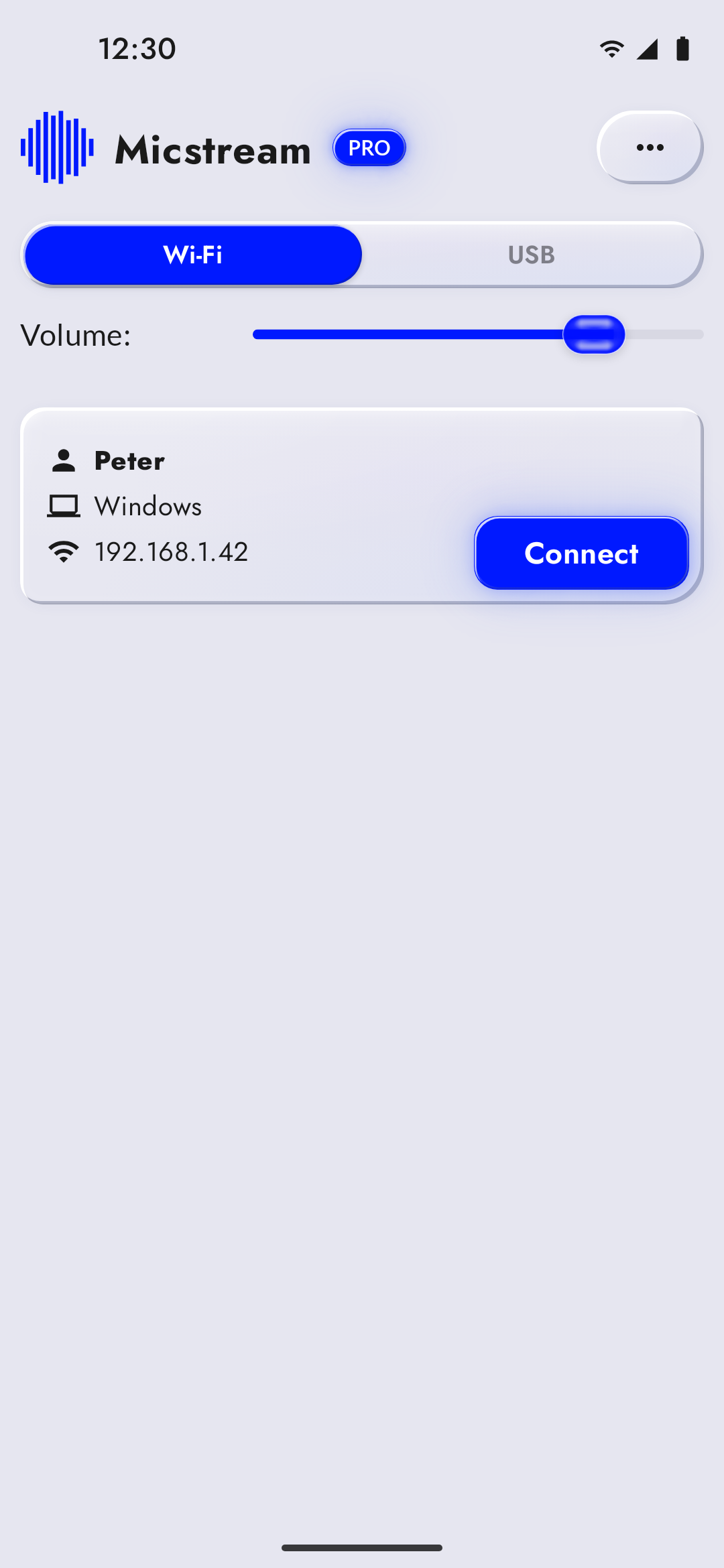 PC found over Wi-Fi, light 1080×2340 · 220 KB
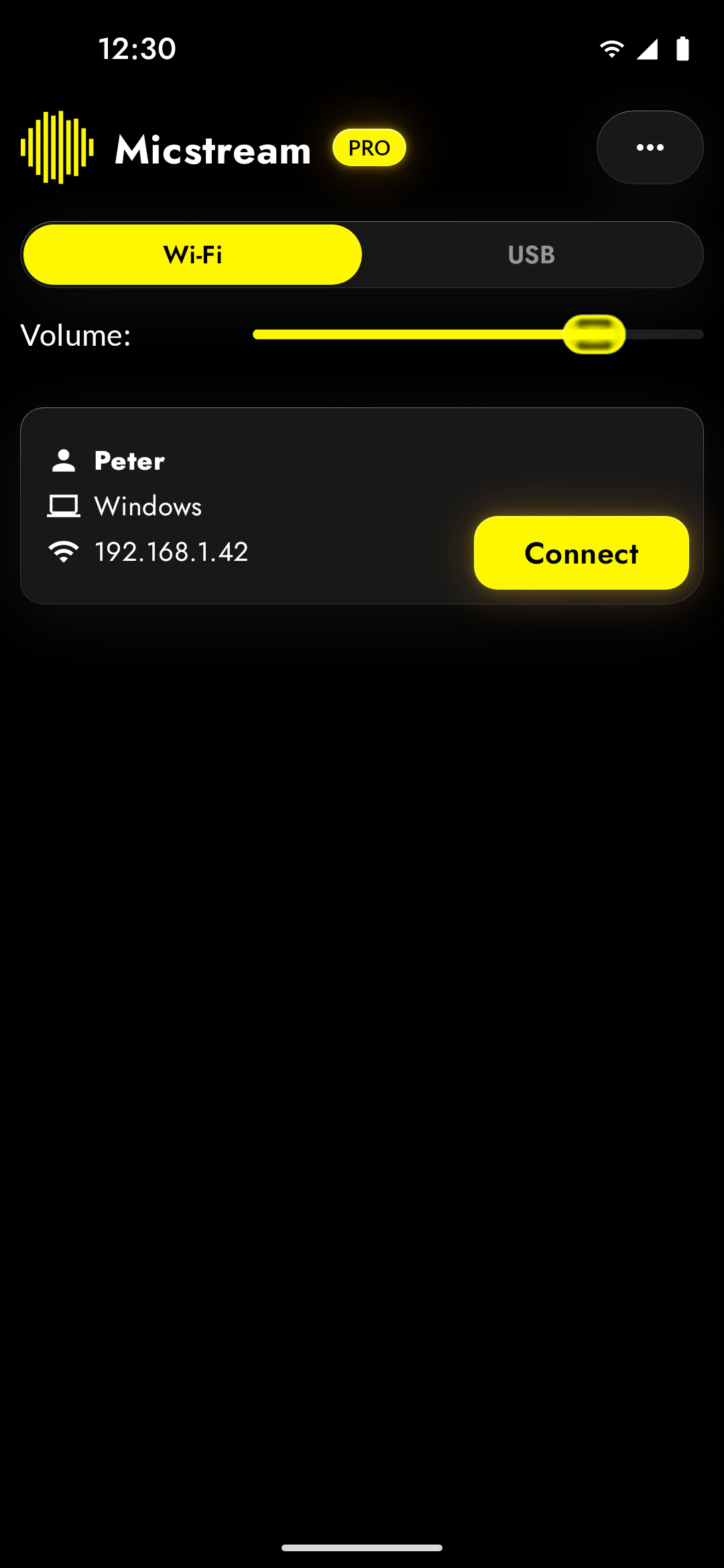 PC found over Wi-Fi, dark 1080×2340 · 146 KB
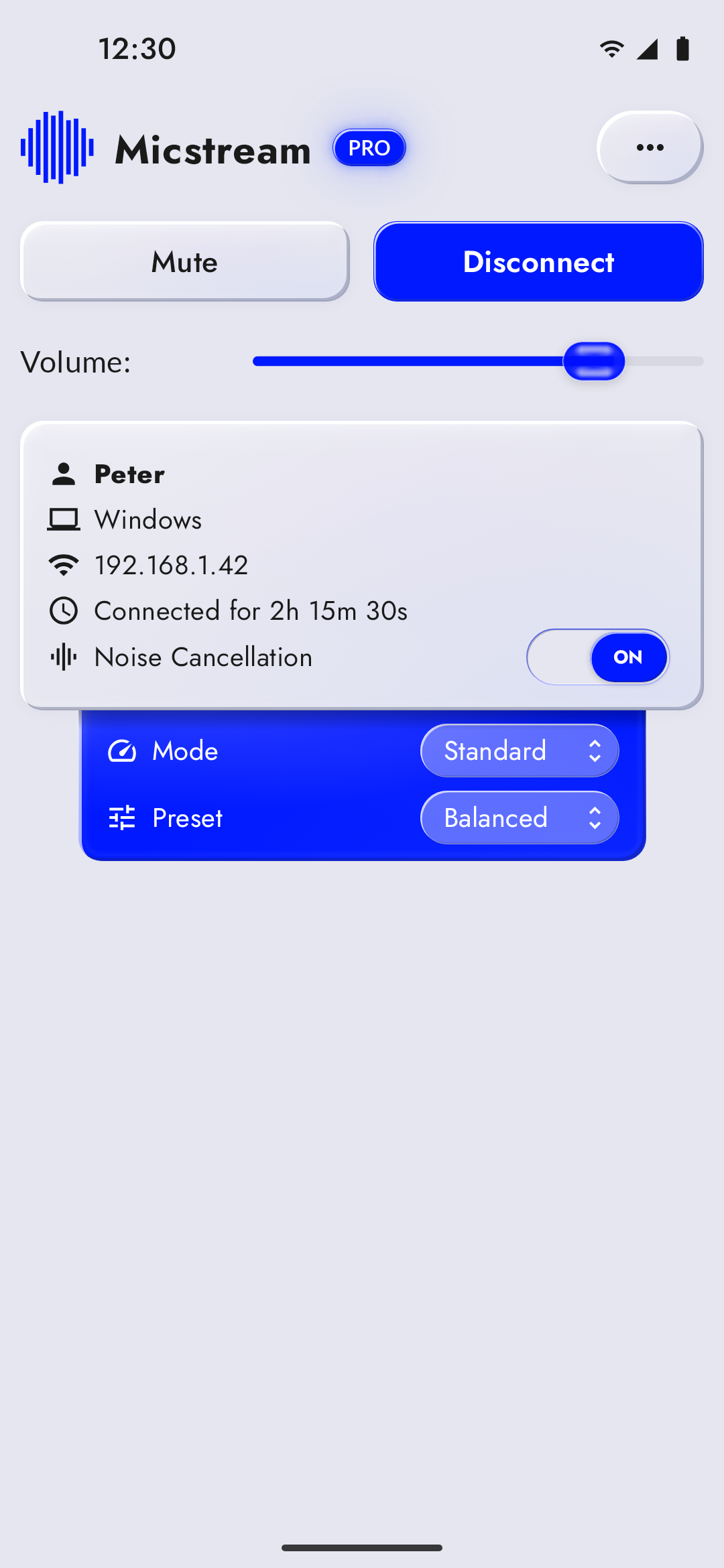 Streaming over Wi-Fi, light 1080×2340 · 321 KB
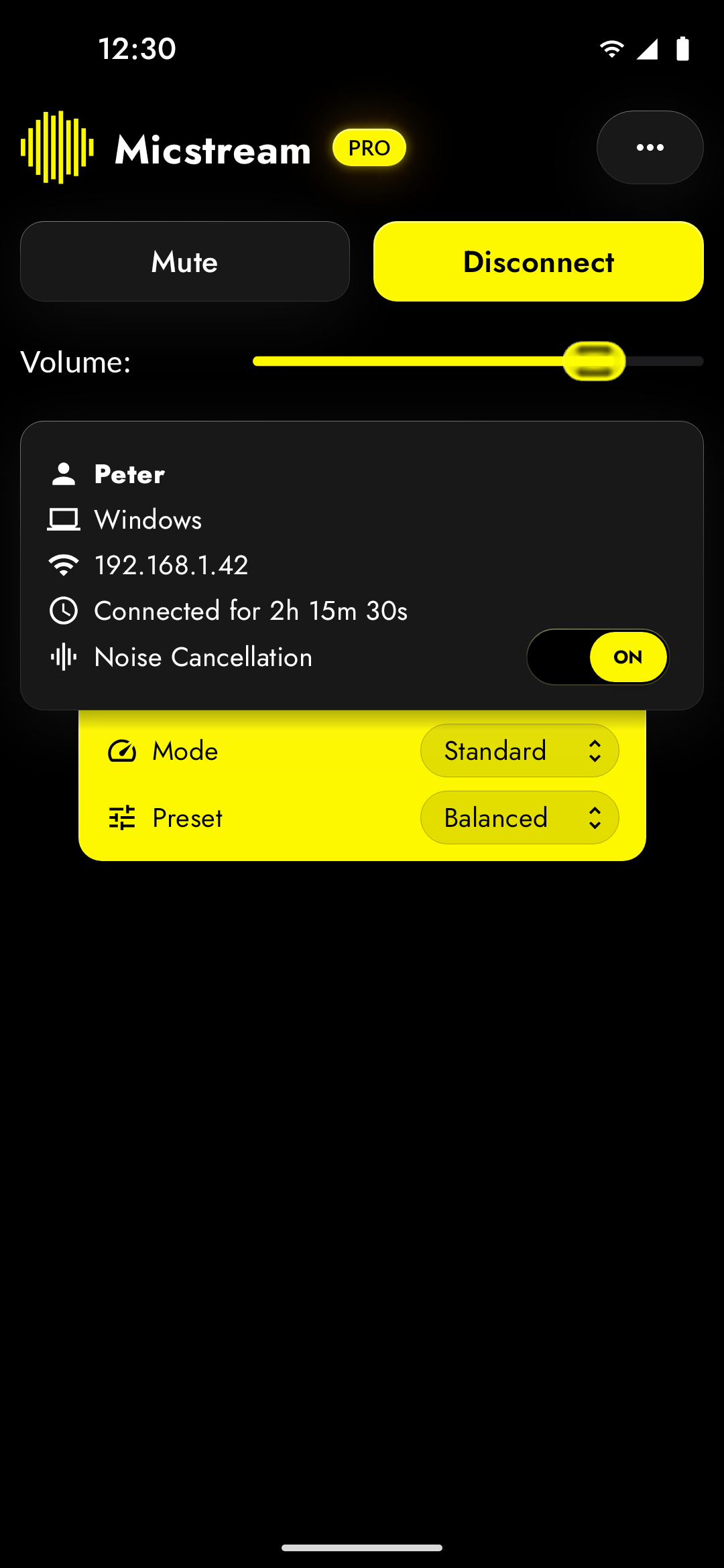 Streaming over Wi-Fi, dark 1080×2340 · 145 KB
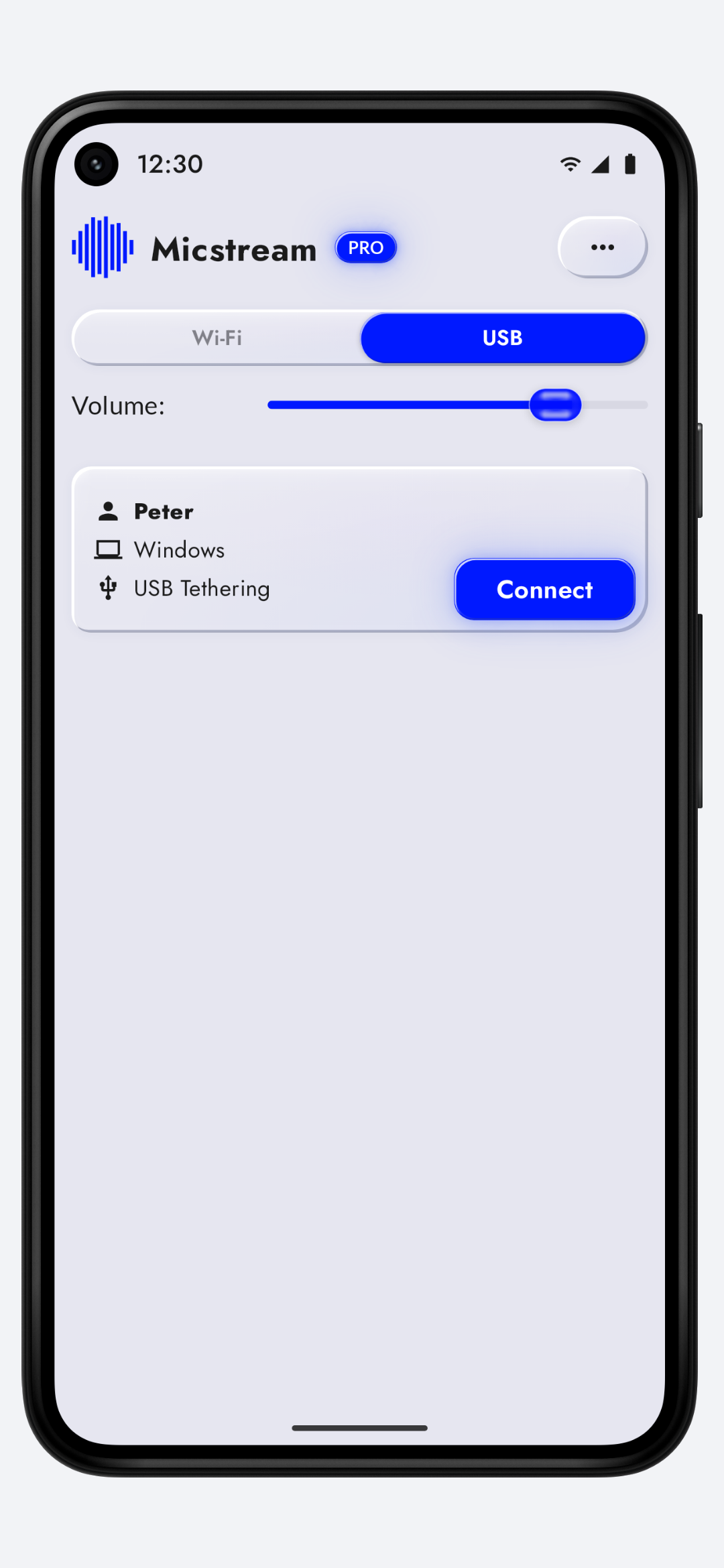
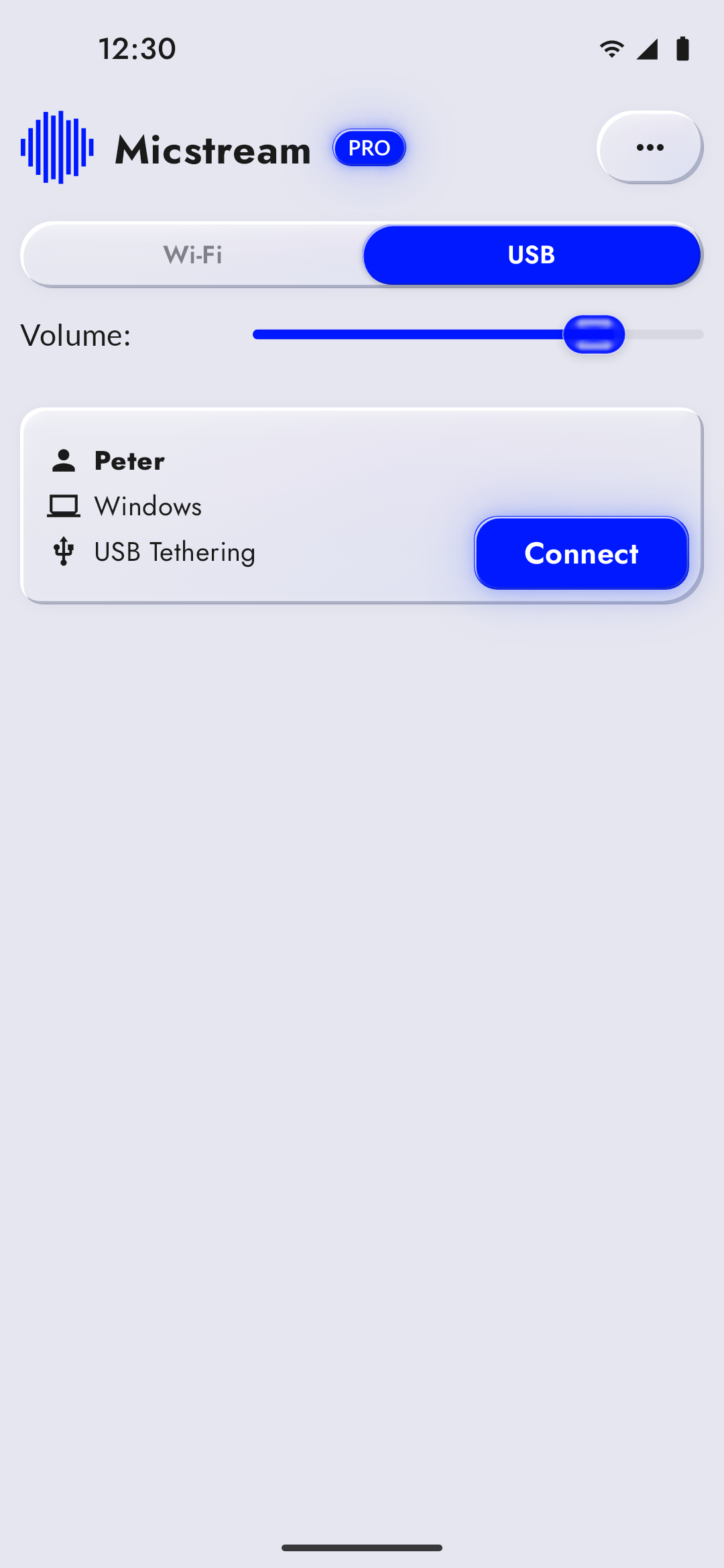 USB connection, light 1080×2340 · 218 KB
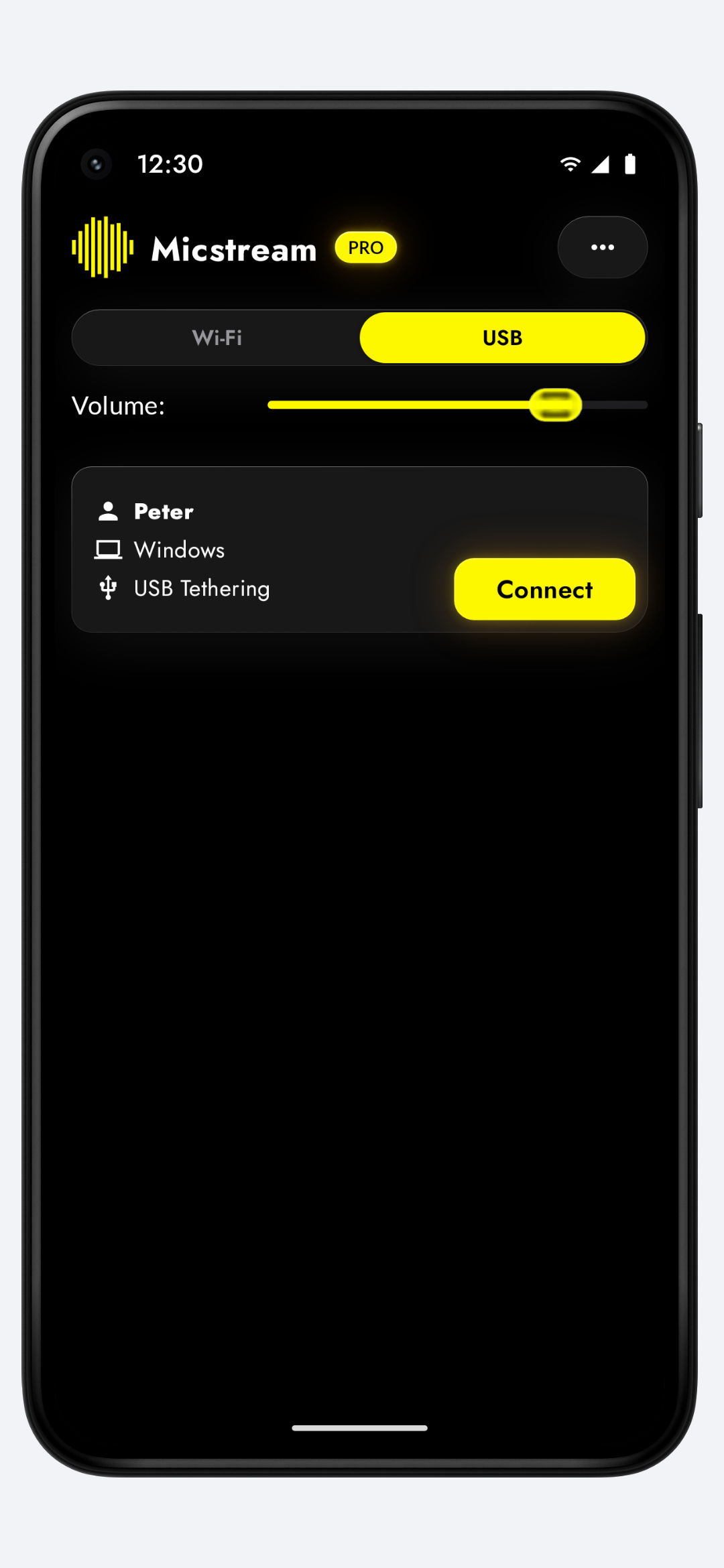
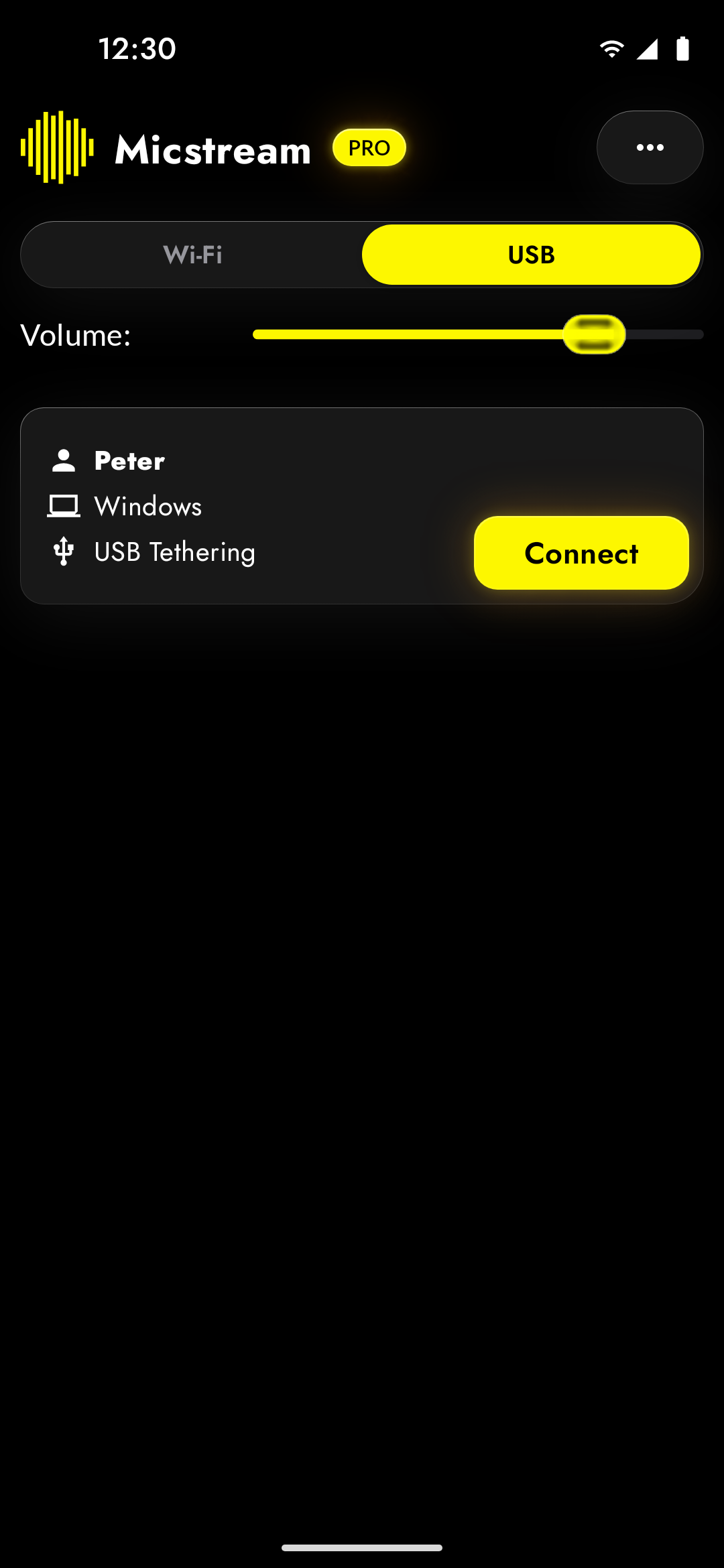 USB connection, dark 1080×2340 · 147 KB
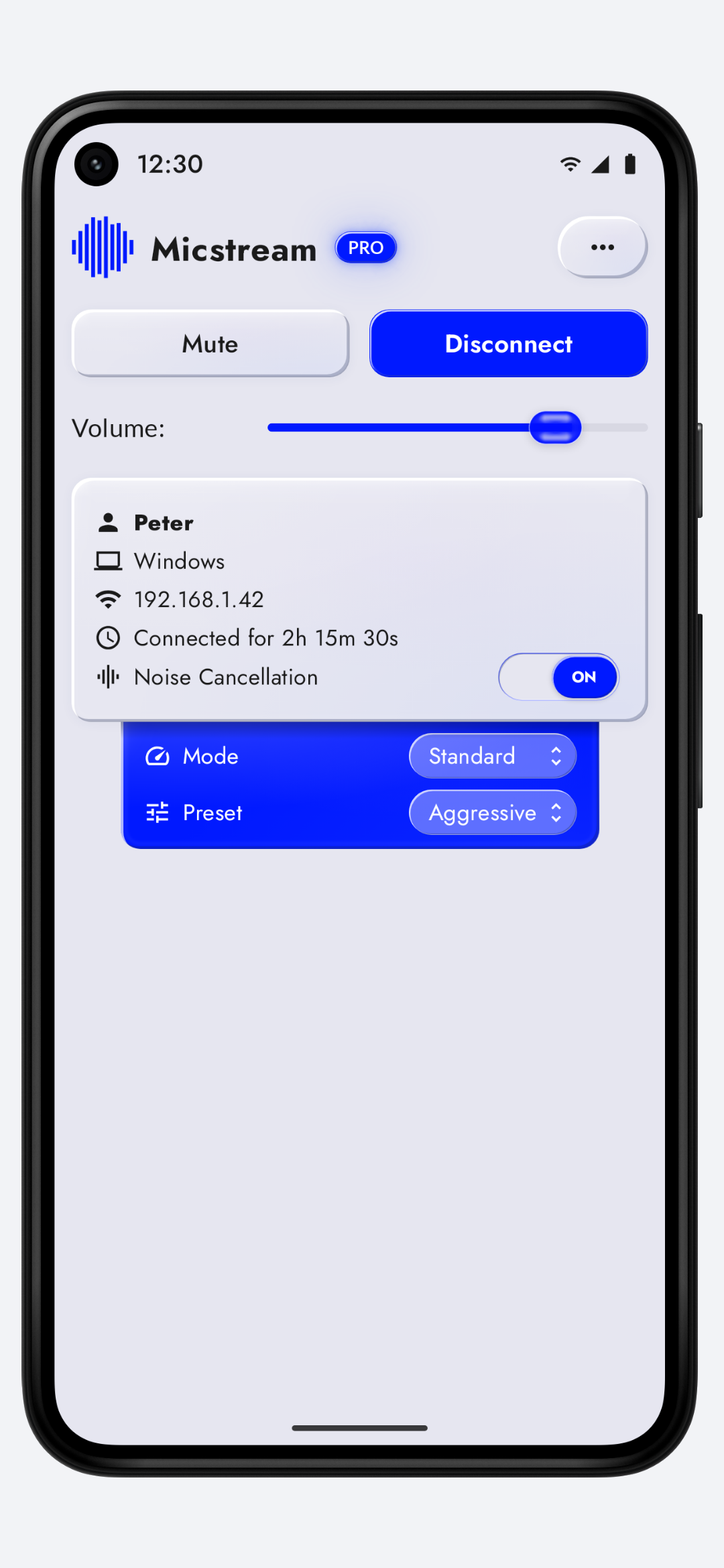
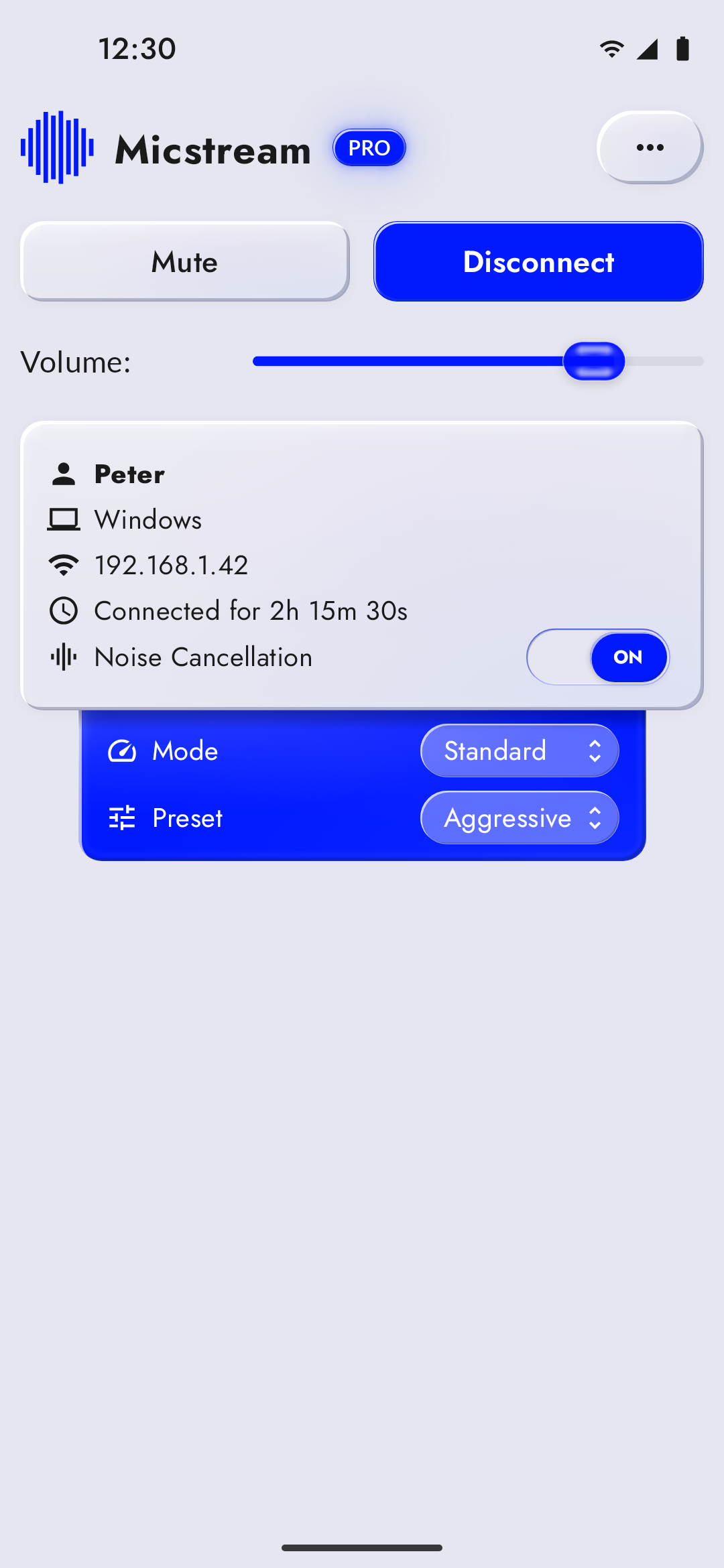 Noise cancellation, light 1080×2340 · 322 KB
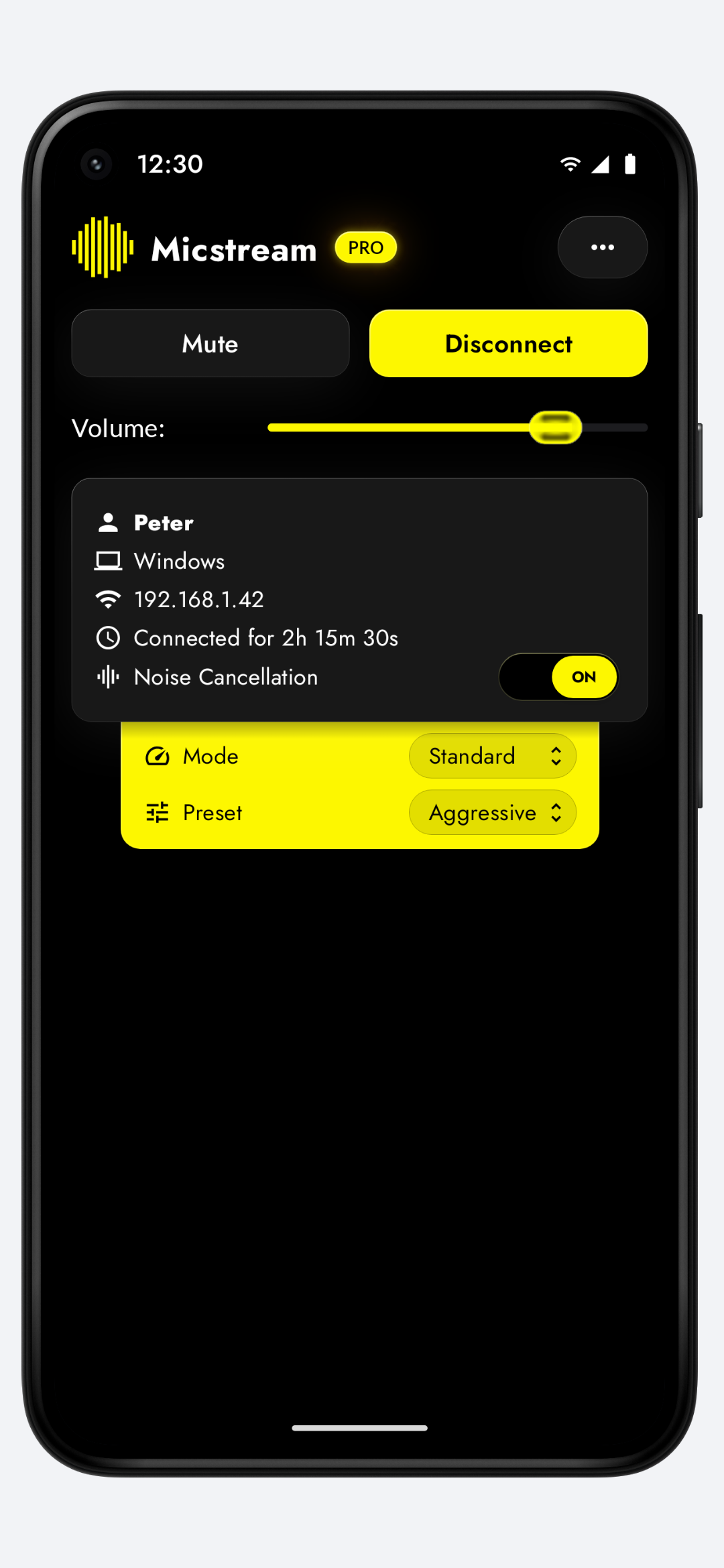
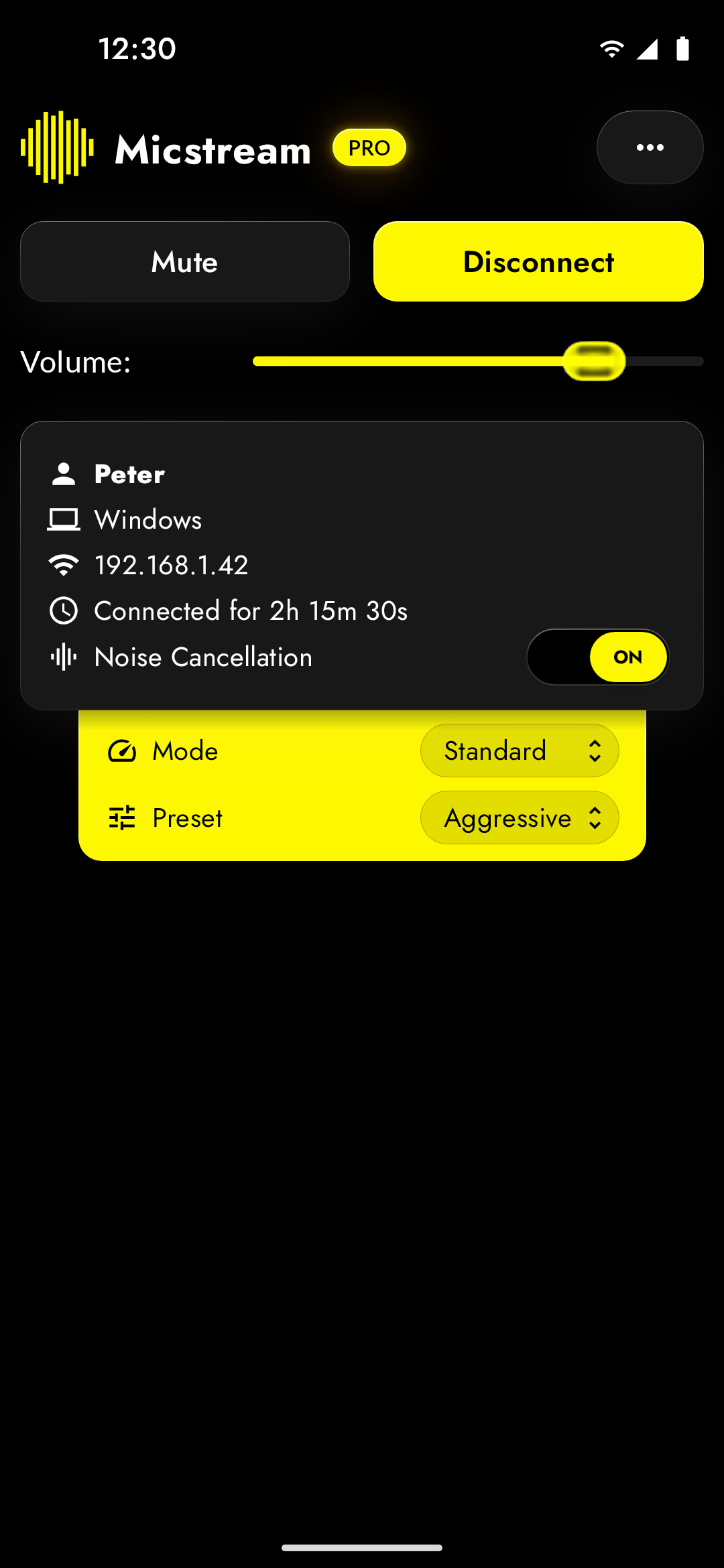 Noise cancellation, dark 1080×2340 · 146 KB
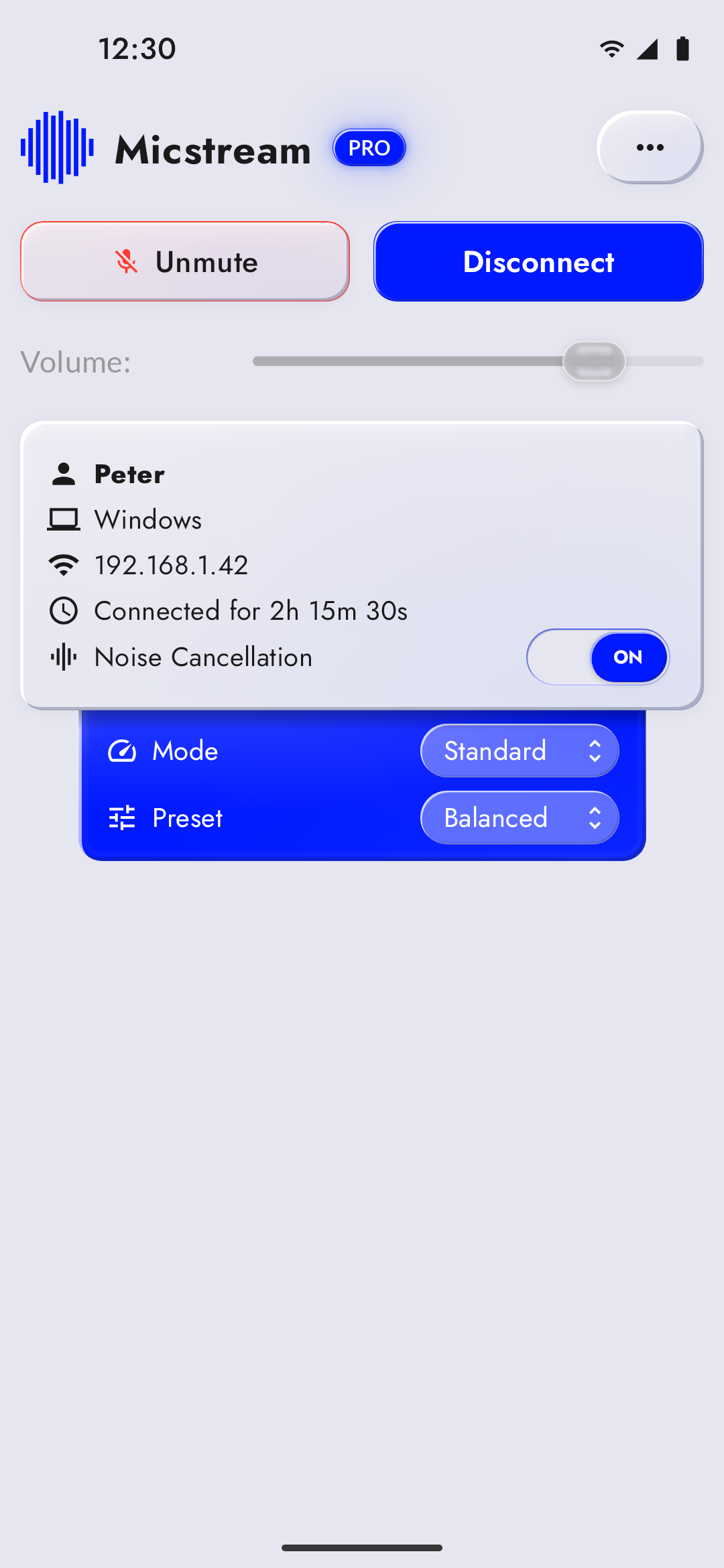 Muted from the phone, light 1080×2340 · 322 KB
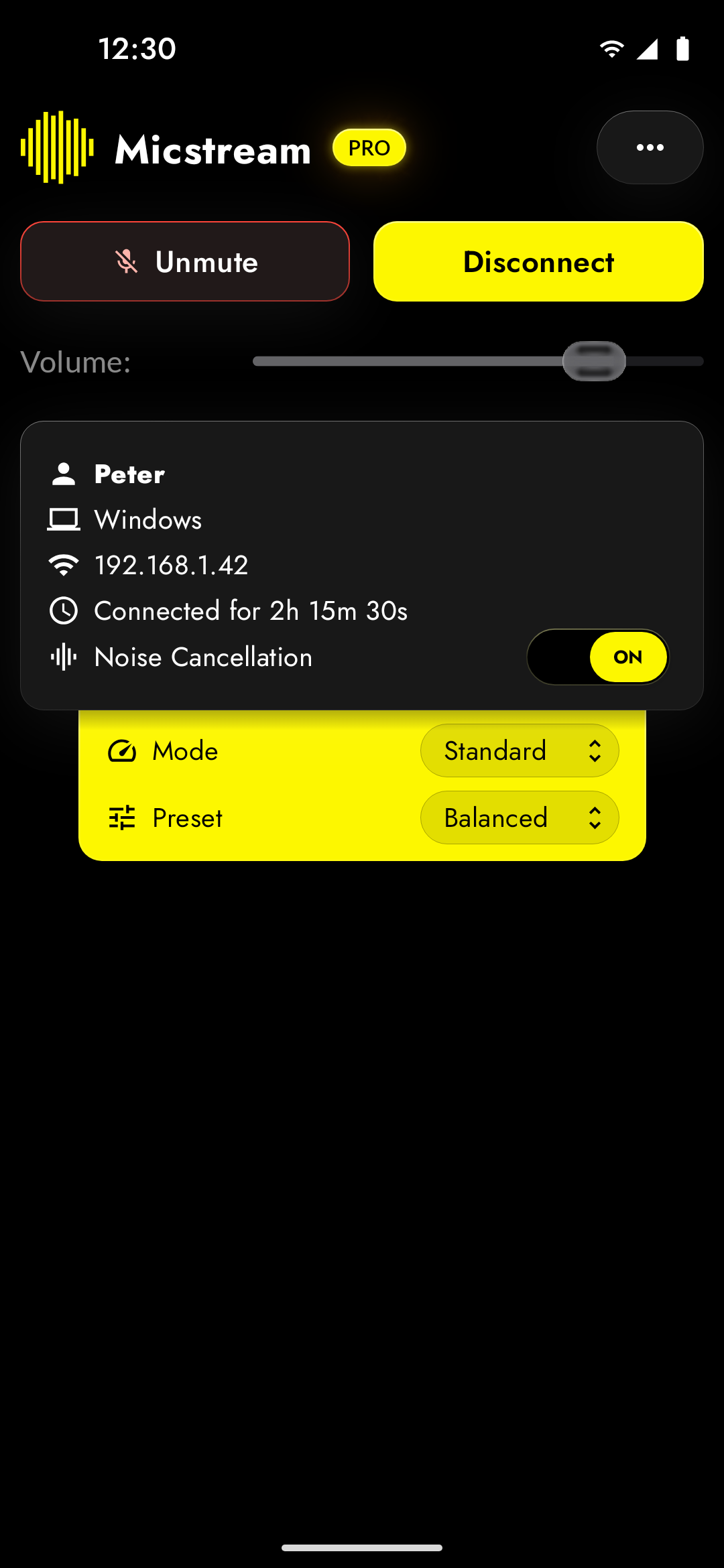 Muted from the phone, dark 1080×2340 · 145 KB
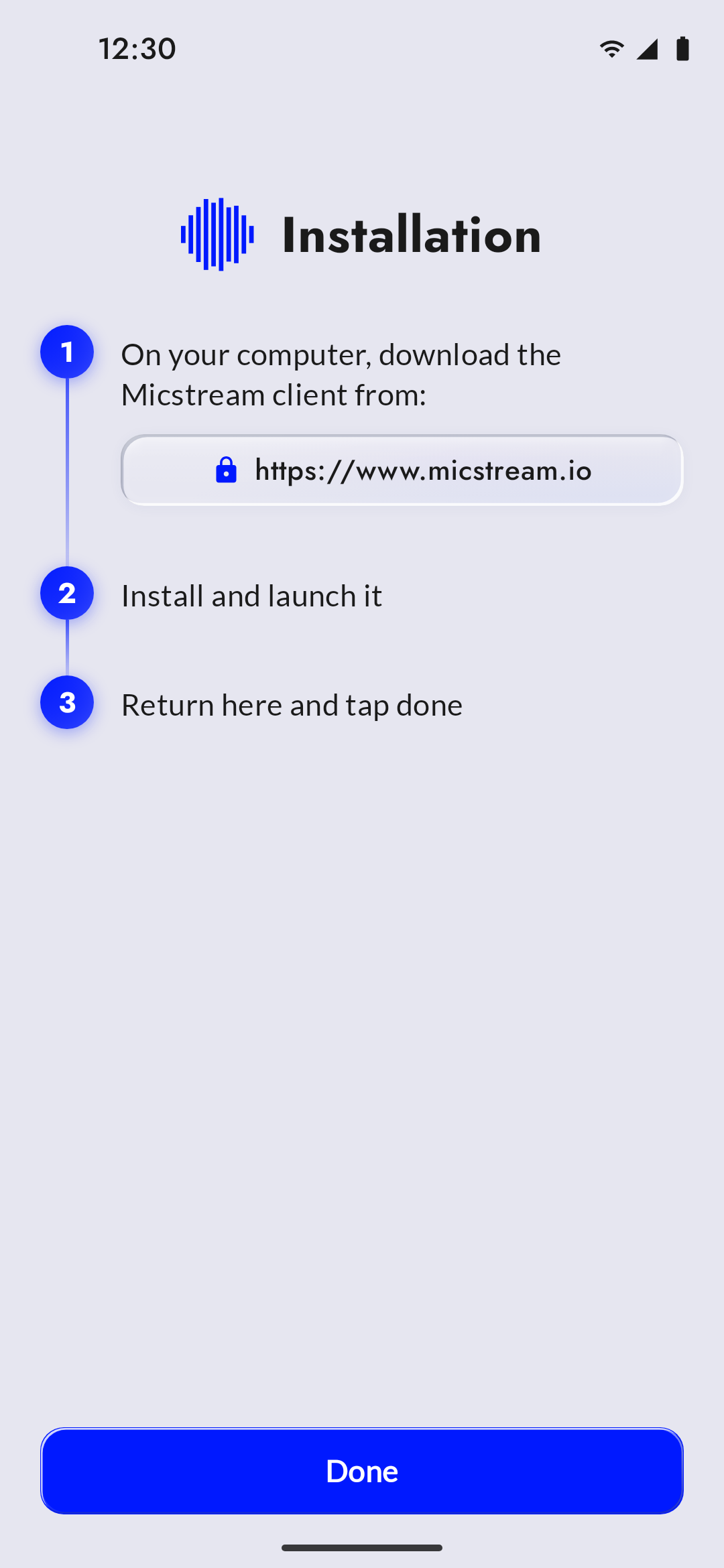 First-launch setup guide, light 1080×2340 · 120 KB
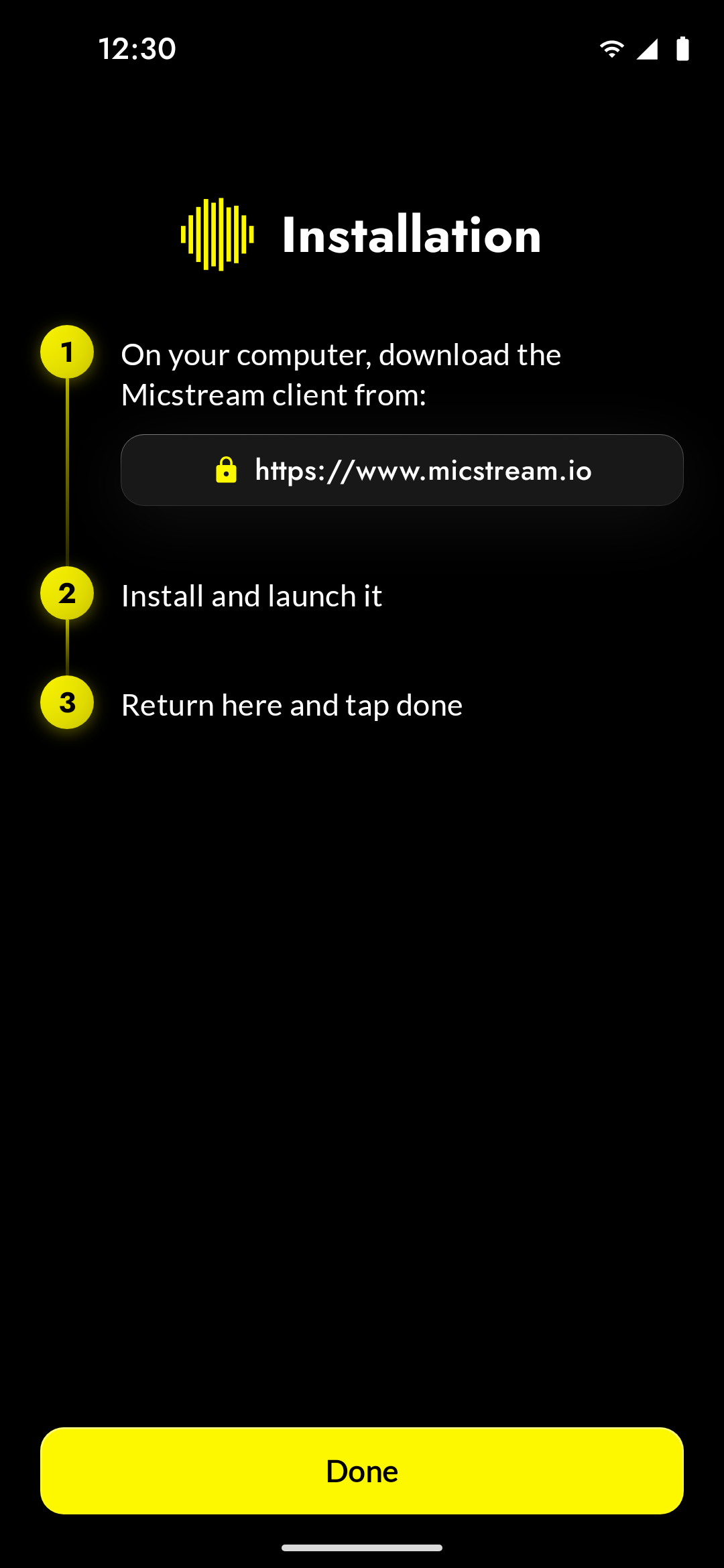 First-launch setup guide, dark 1080×2340 · 107 KB
All 24 files
- PC found over Wi-Fi, light 1080×2340 · 220 KB
- PC found over Wi-Fi, light, framed 1080×2340 · 336 KB
- PC found over Wi-Fi, dark 1080×2340 · 146 KB
- PC found over Wi-Fi, dark, framed 1080×2340 · 268 KB
- Streaming over Wi-Fi, light 1080×2340 · 321 KB
- Streaming over Wi-Fi, light, framed 1080×2340 · 439 KB
- Streaming over Wi-Fi, dark 1080×2340 · 145 KB
- Streaming over Wi-Fi, dark, framed 1080×2340 · 295 KB
- USB connection, light 1080×2340 · 218 KB
- USB connection, light, framed 1080×2340 · 332 KB
- USB connection, dark 1080×2340 · 147 KB
- USB connection, dark, framed 1080×2340 · 268 KB
- Noise cancellation, light 1080×2340 · 322 KB
- Noise cancellation, light, framed 1080×2340 · 440 KB
- Noise cancellation, dark 1080×2340 · 146 KB
- Noise cancellation, dark, framed 1080×2340 · 297 KB
- Muted from the phone, light 1080×2340 · 322 KB
- Muted from the phone, light, framed 1080×2340 · 439 KB
- Muted from the phone, dark 1080×2340 · 145 KB
- Muted from the phone, dark, framed 1080×2340 · 297 KB
- First-launch setup guide, light 1080×2340 · 120 KB
- First-launch setup guide, light, framed 1080×2340 · 289 KB
- First-launch setup guide, dark 1080×2340 · 107 KB
- First-launch setup guide, dark, framed 1080×2340 · 267 KB
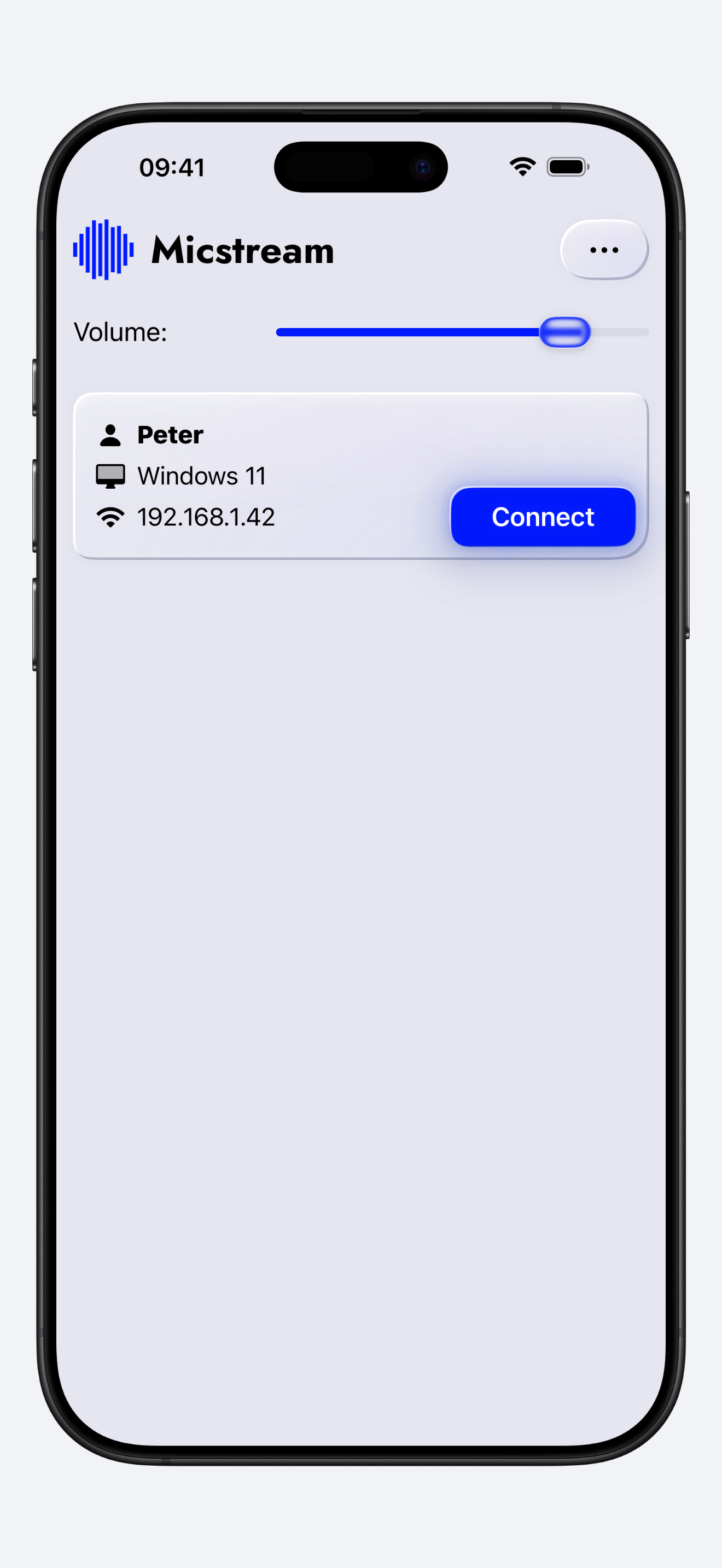
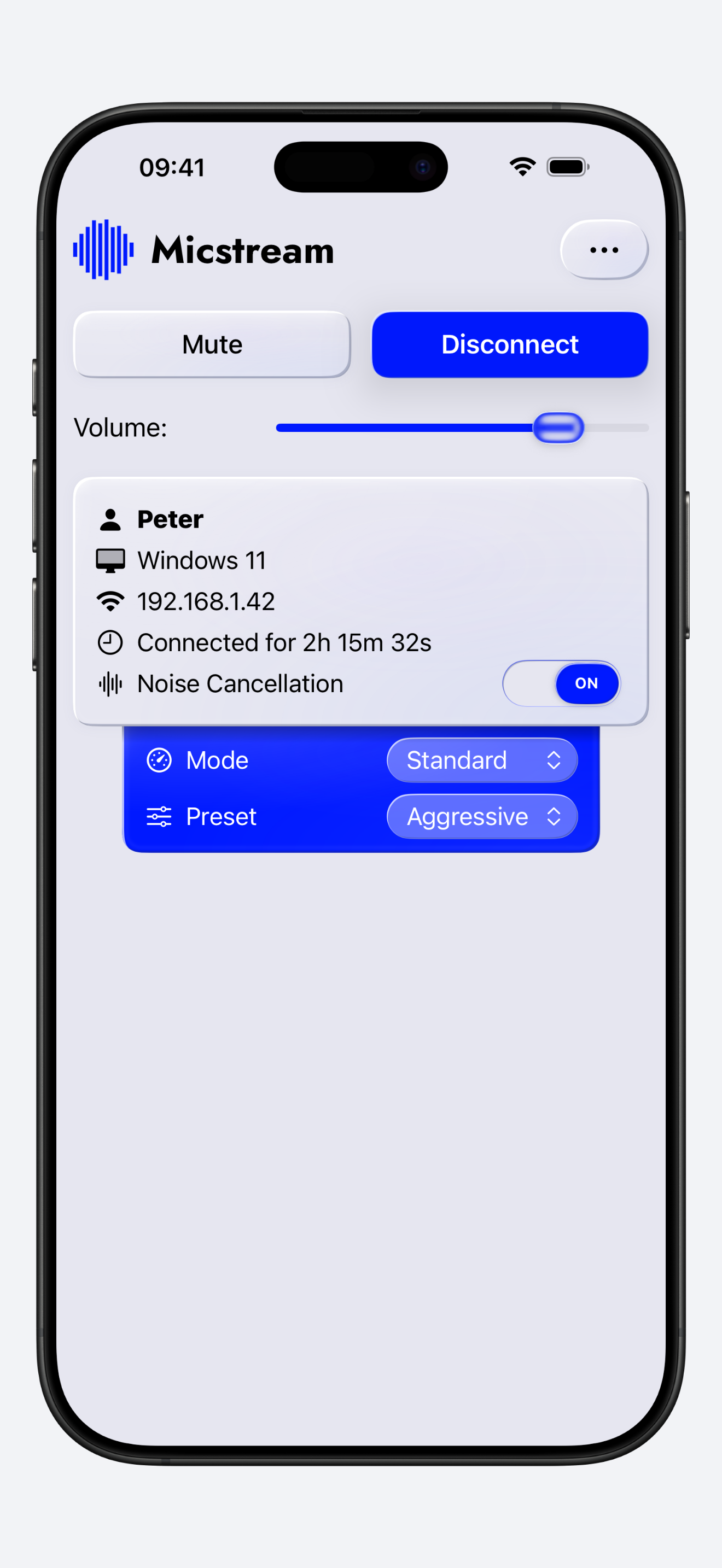
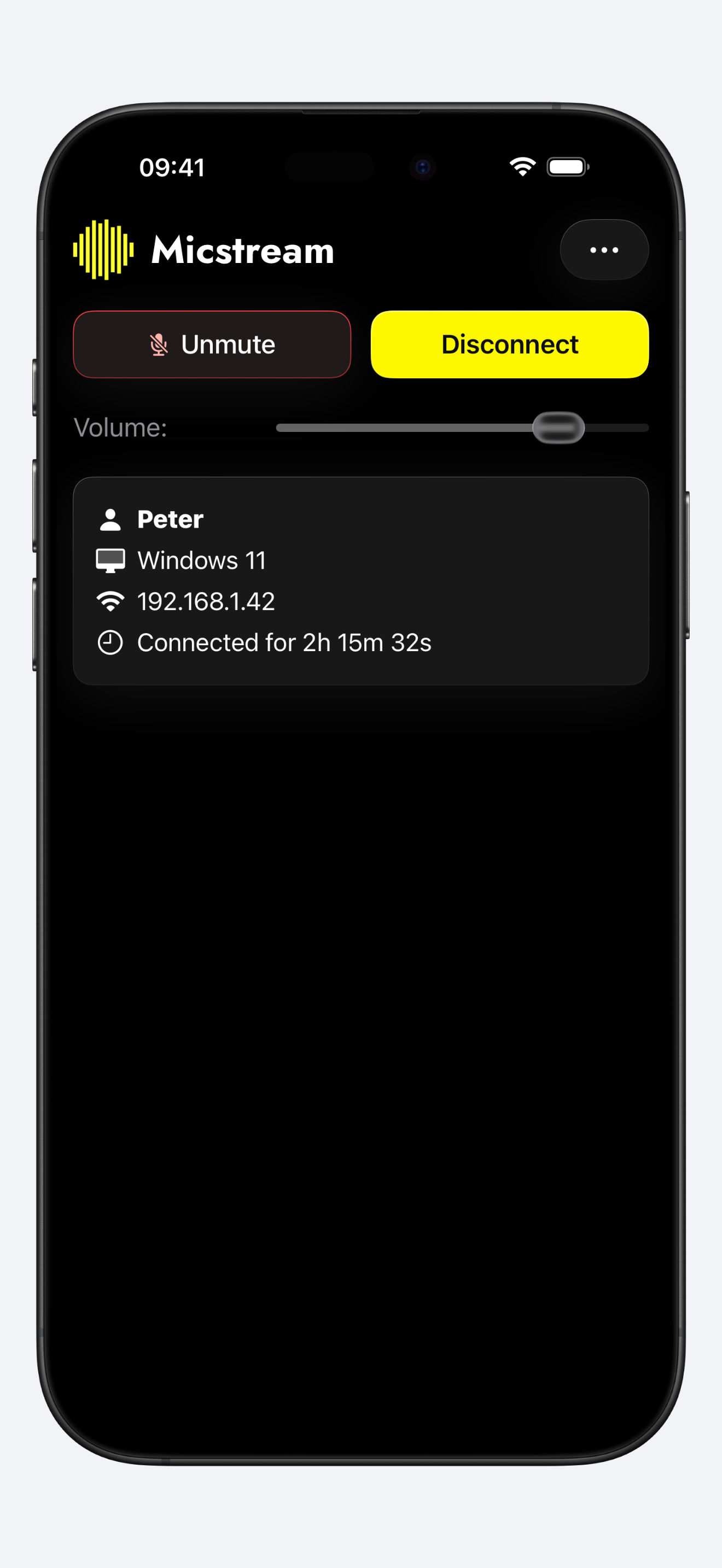
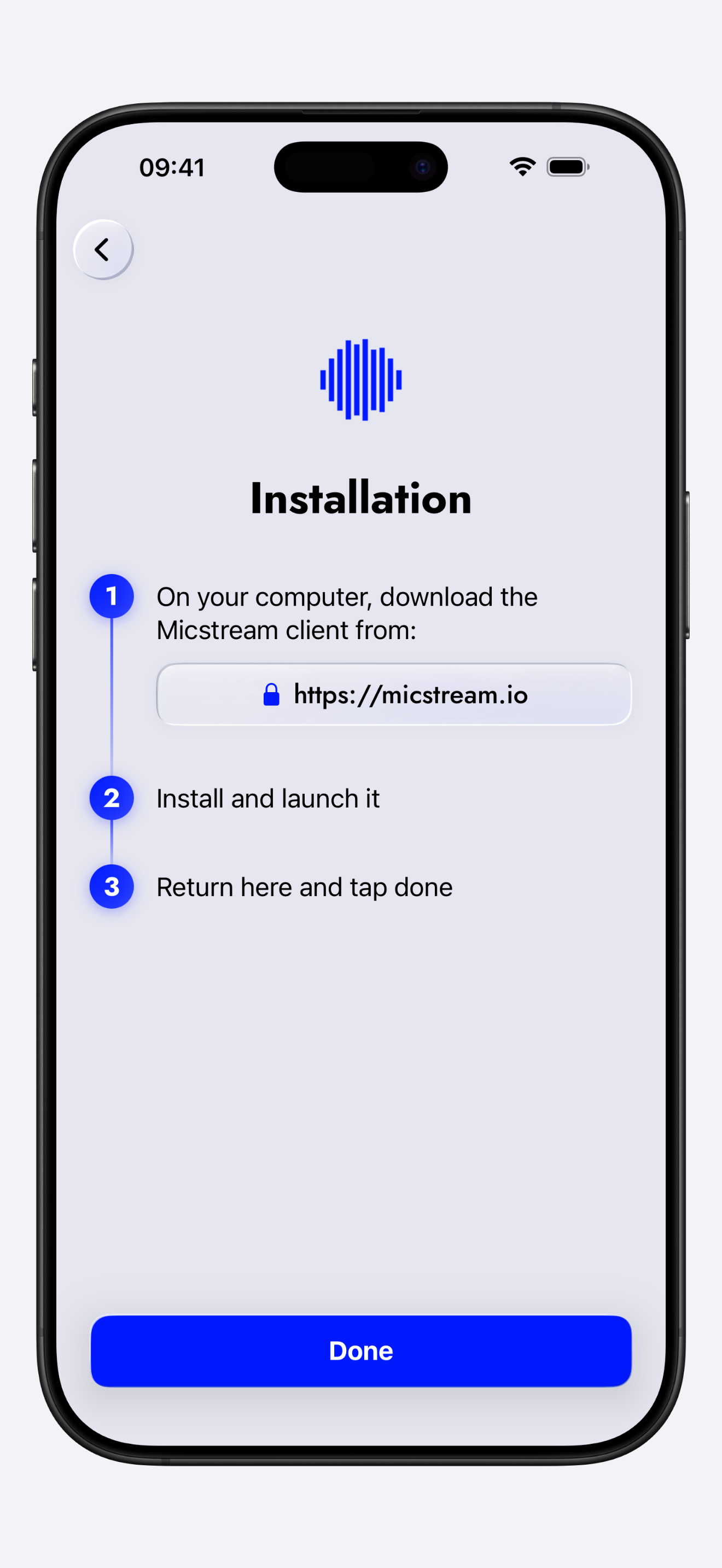
iPhone screenshots
iPhone 16 Pro Max captures at 1320×2868, plain and inside a device frame.
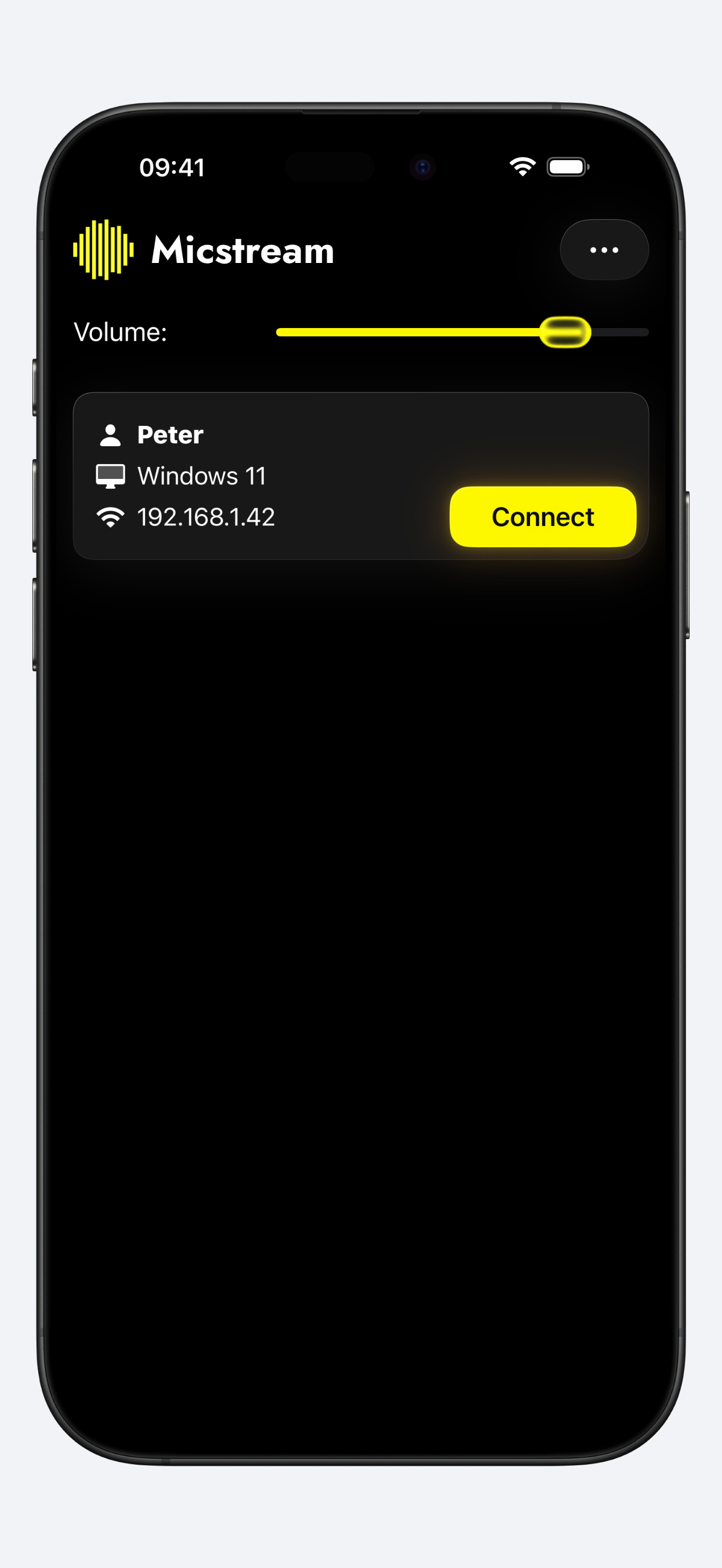
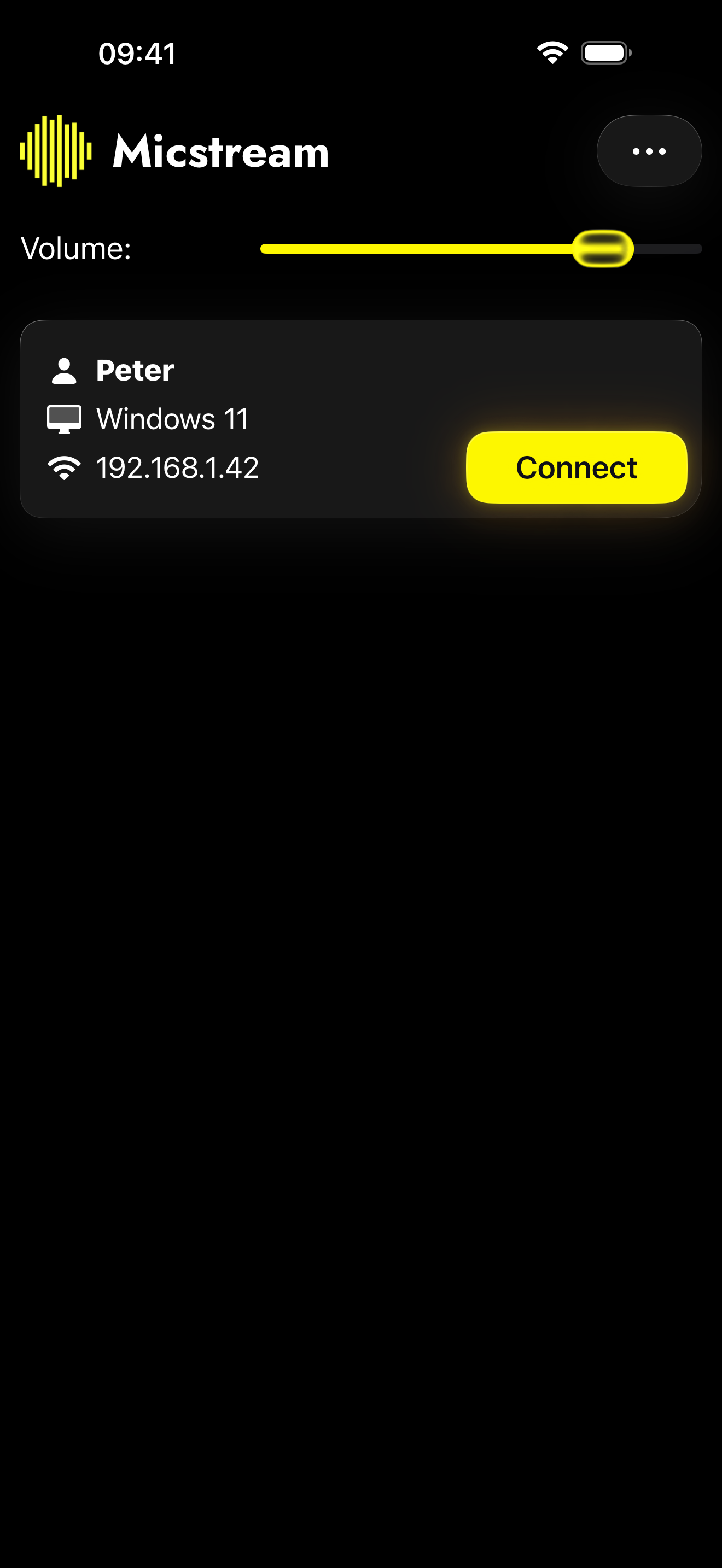 PC found over Wi-Fi, dark 1320×2868 · 223 KB
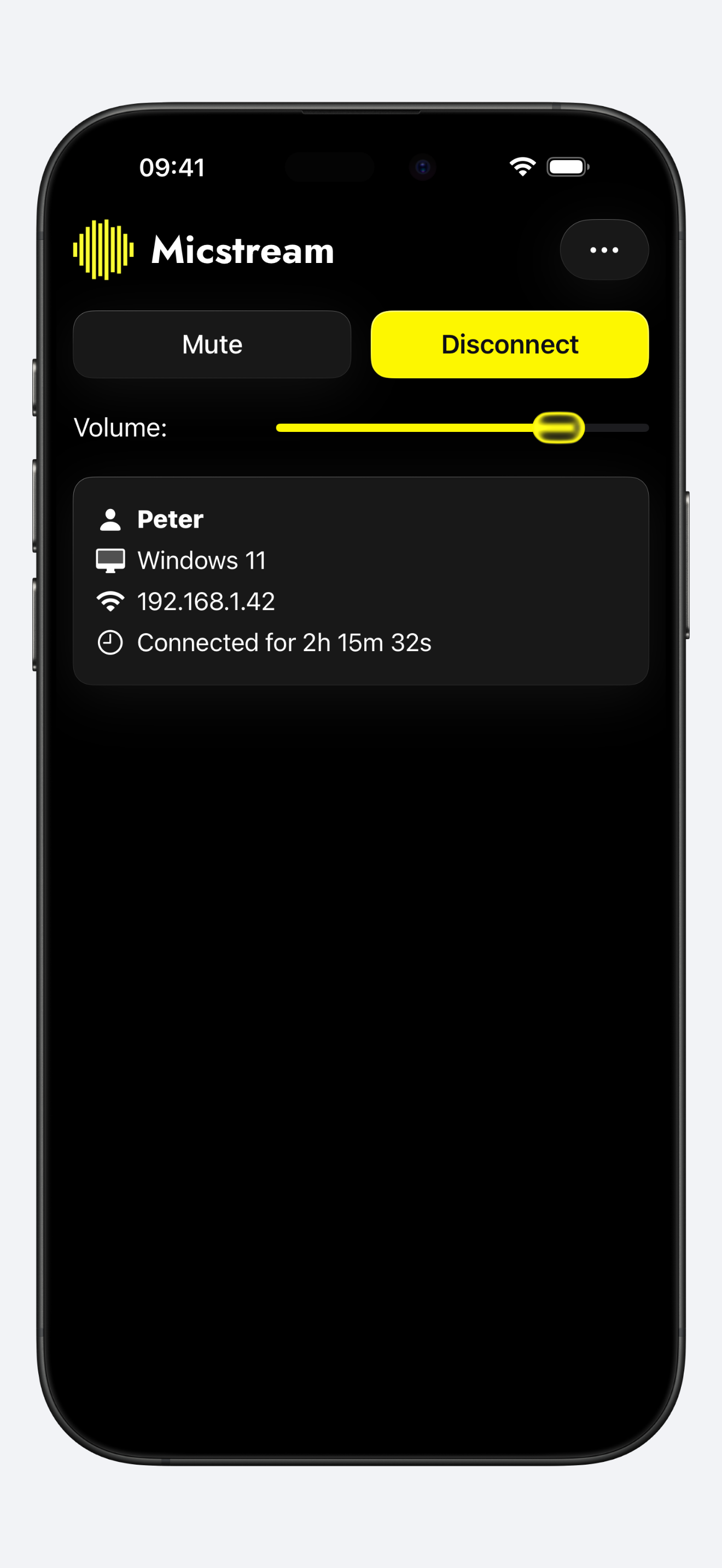
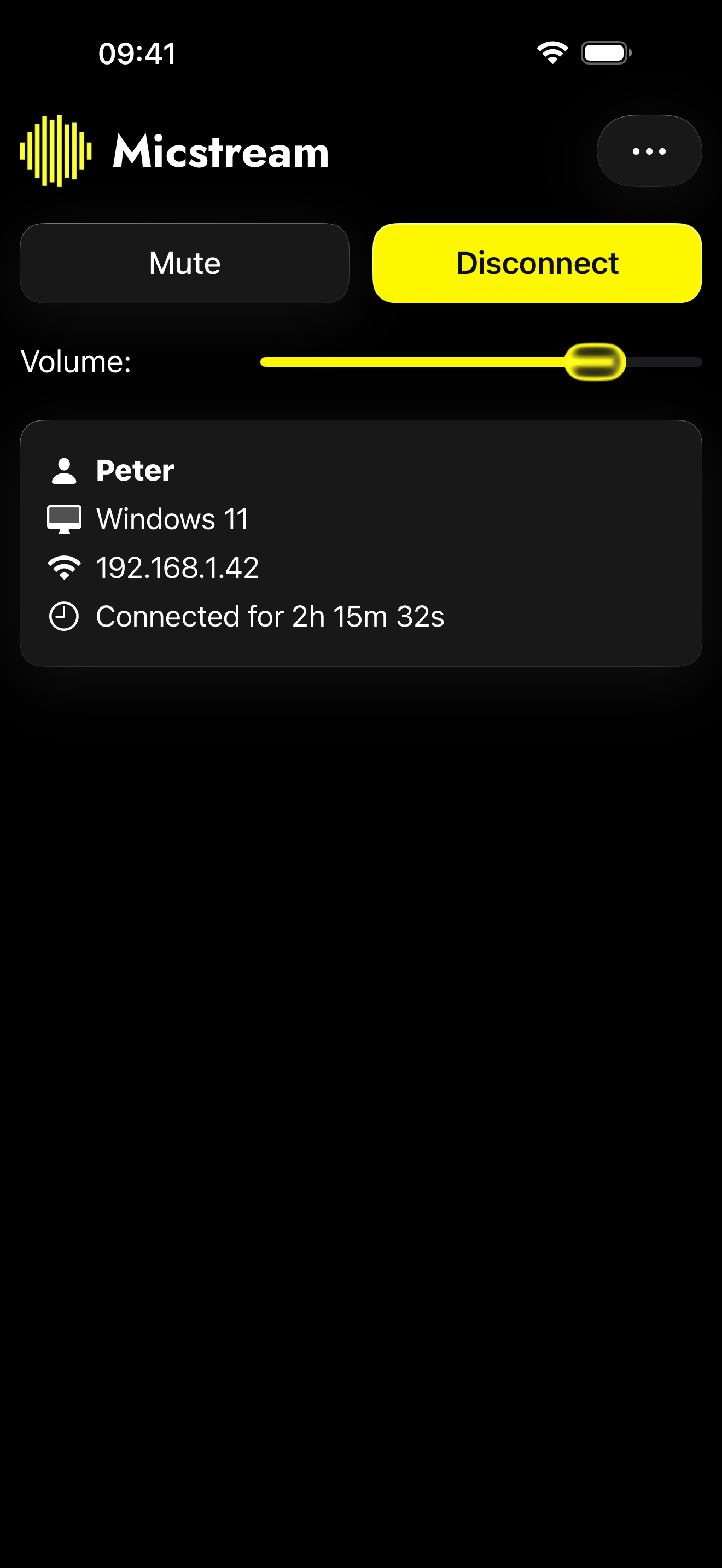 Streaming over Wi-Fi, dark 1320×2868 · 193 KB
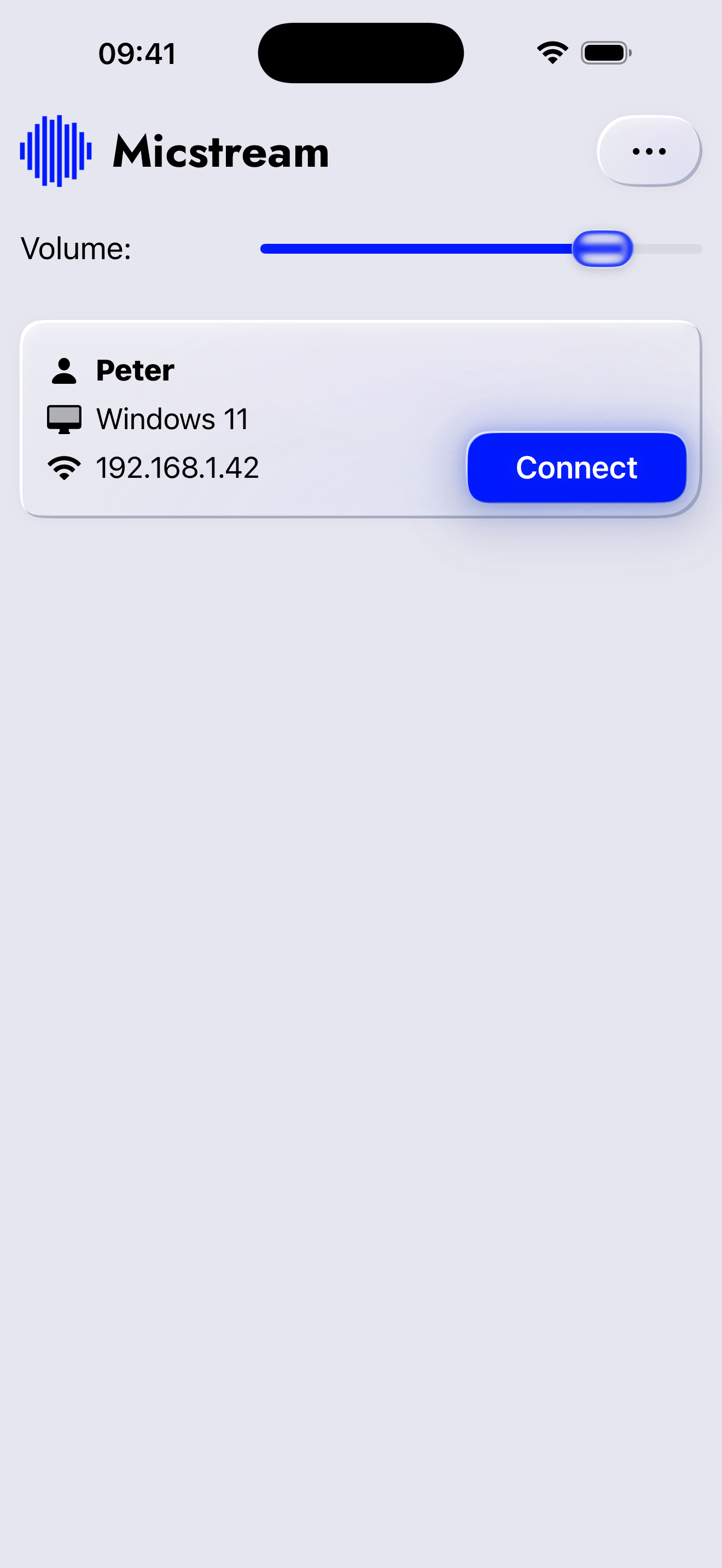 USB connection, light 1320×2868 · 360 KB
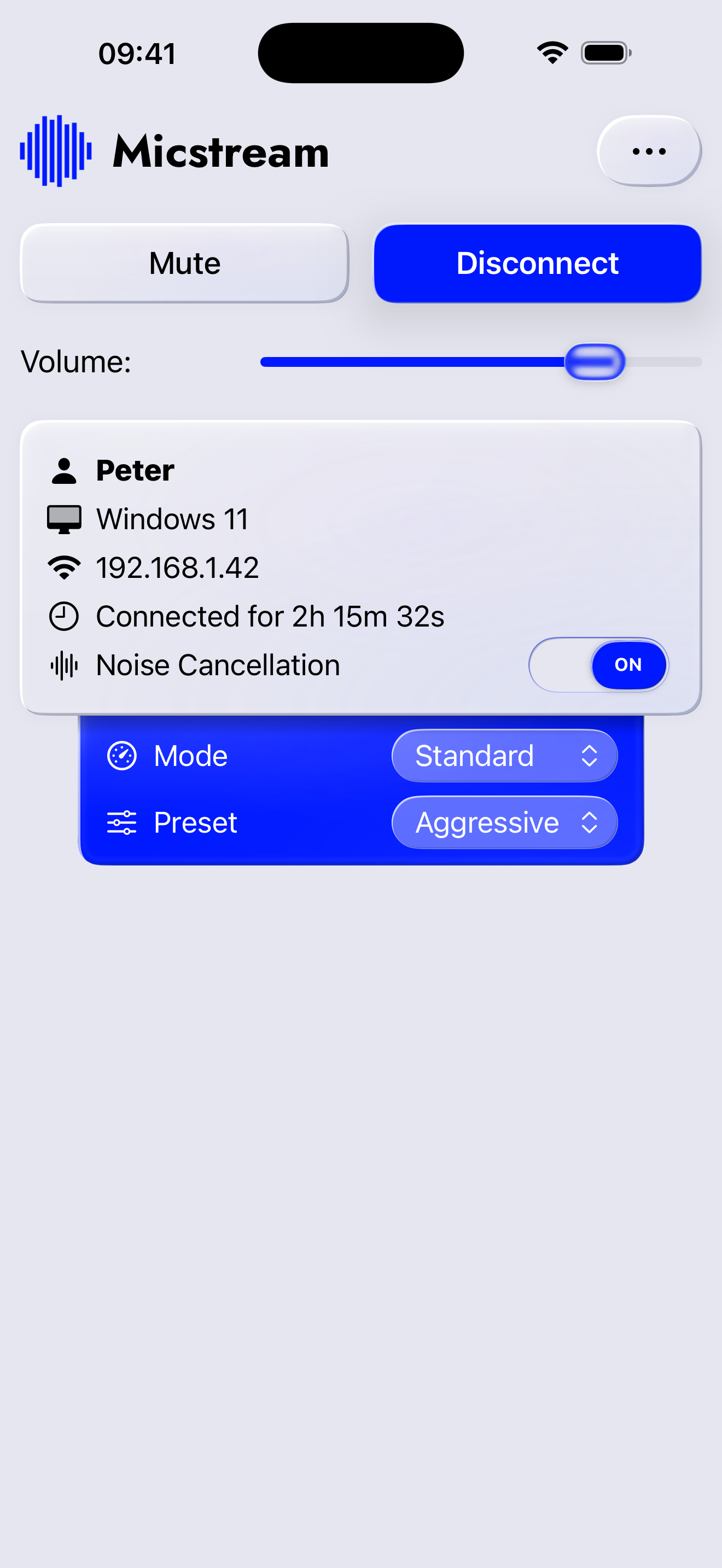 Noise cancellation, light 1320×2868 · 597 KB
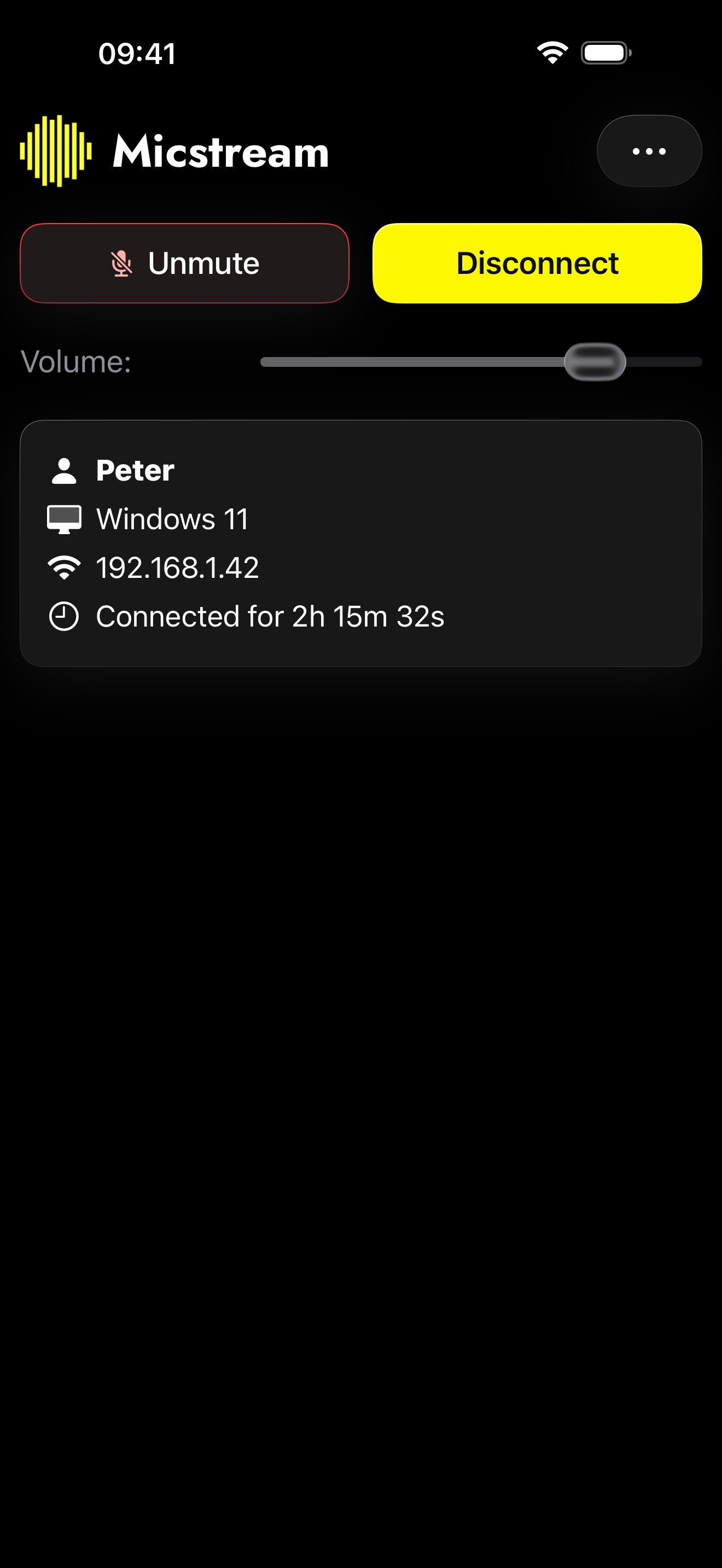 Muted from the phone, dark 1320×2868 · 195 KB
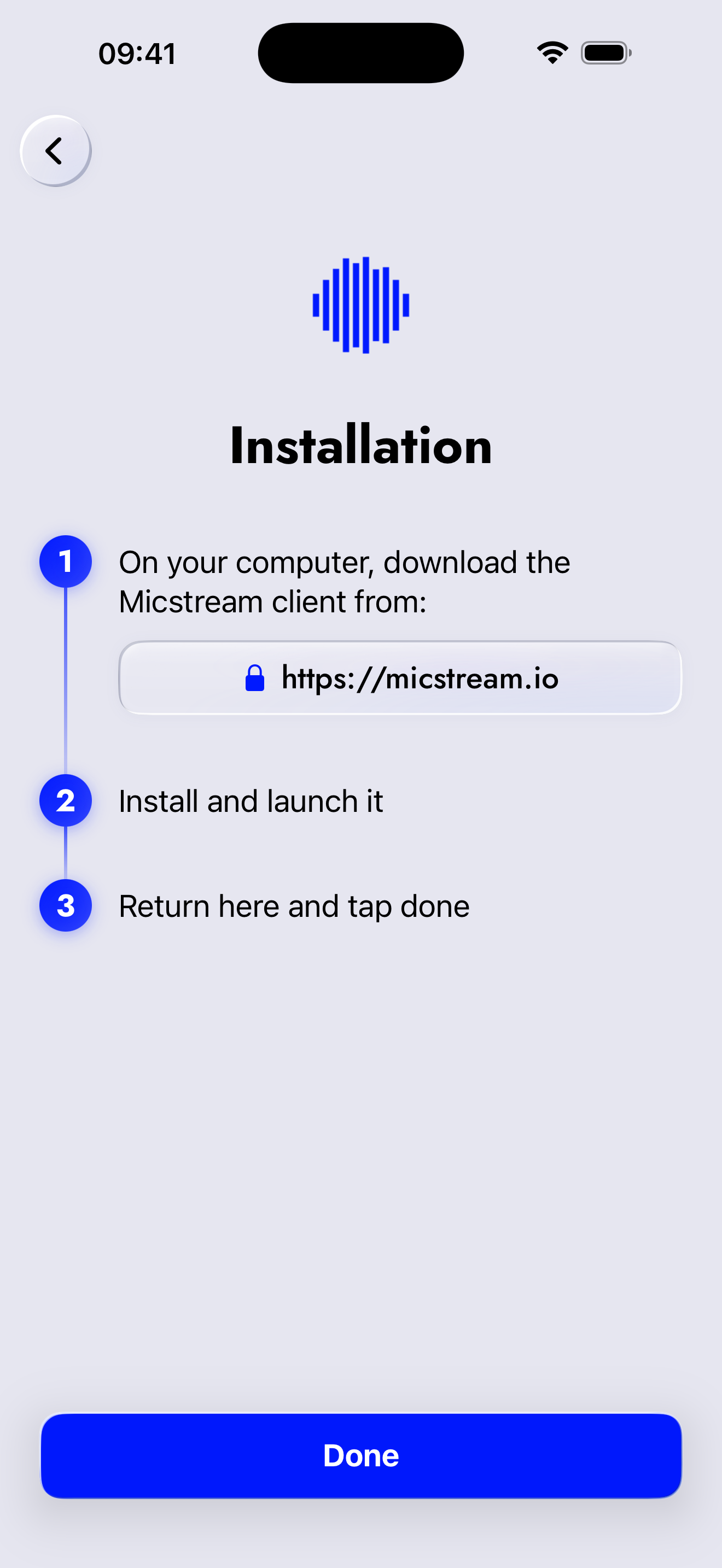 First-launch setup guide, light 1320×2868 · 328 KB
All 12 files
- PC found over Wi-Fi, dark 1320×2868 · 223 KB
- PC found over Wi-Fi, dark, framed 1320×2868 · 323 KB
- Streaming over Wi-Fi, dark 1320×2868 · 193 KB
- Streaming over Wi-Fi, dark, framed 1320×2868 · 322 KB
- USB connection, light 1320×2868 · 360 KB
- USB connection, light, framed 1320×2868 · 391 KB
- Noise cancellation, light 1320×2868 · 597 KB
- Noise cancellation, light, framed 1320×2868 · 539 KB
- Muted from the phone, dark 1320×2868 · 195 KB
- Muted from the phone, dark, framed 1320×2868 · 324 KB
- First-launch setup guide, light 1320×2868 · 328 KB
- First-launch setup guide, light, framed 1320×2868 · 406 KB
Windows screenshots
The desktop client on Windows 11 at 200 % scaling, light and dark.
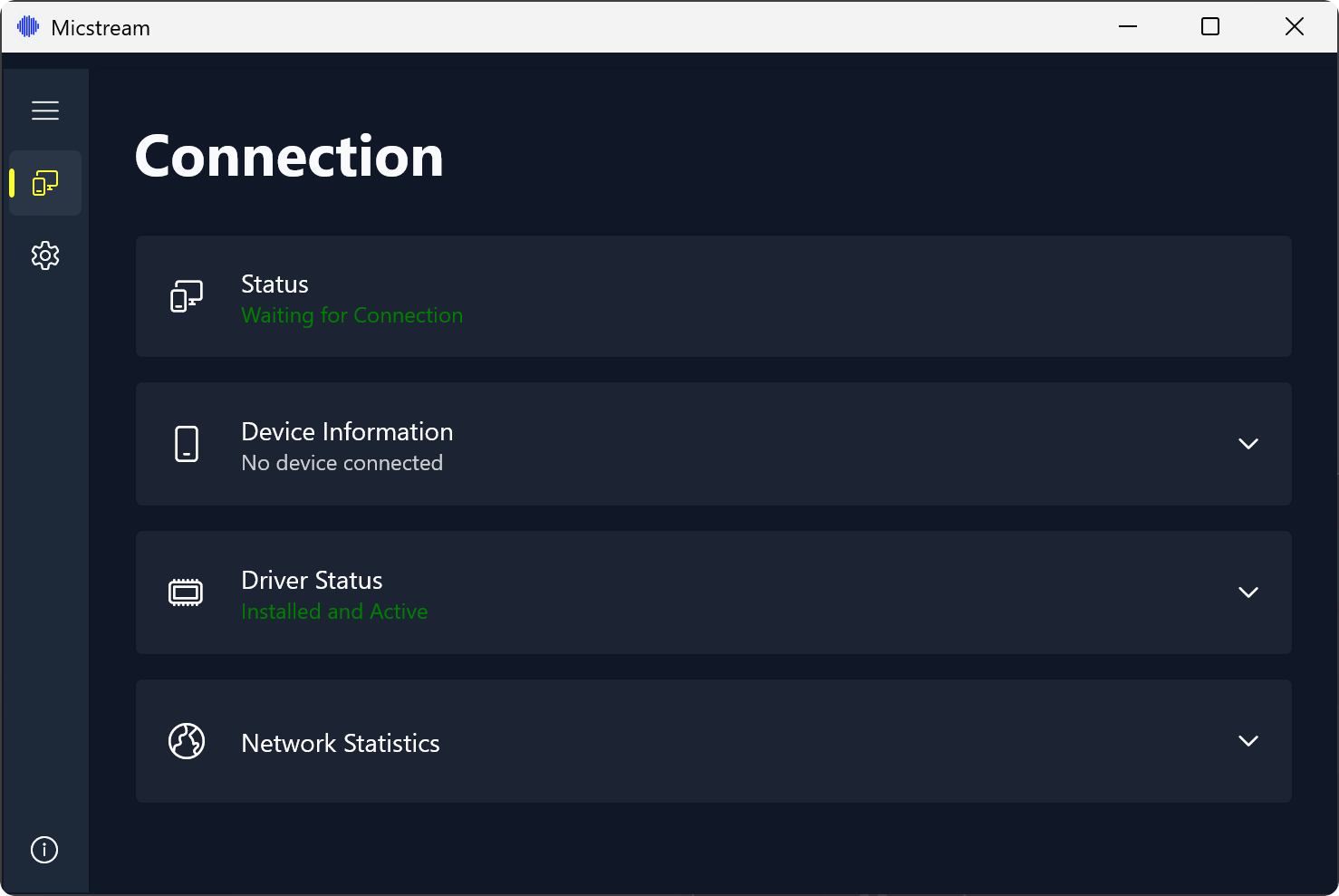 Main window, dark 1478×989 · 48 KB
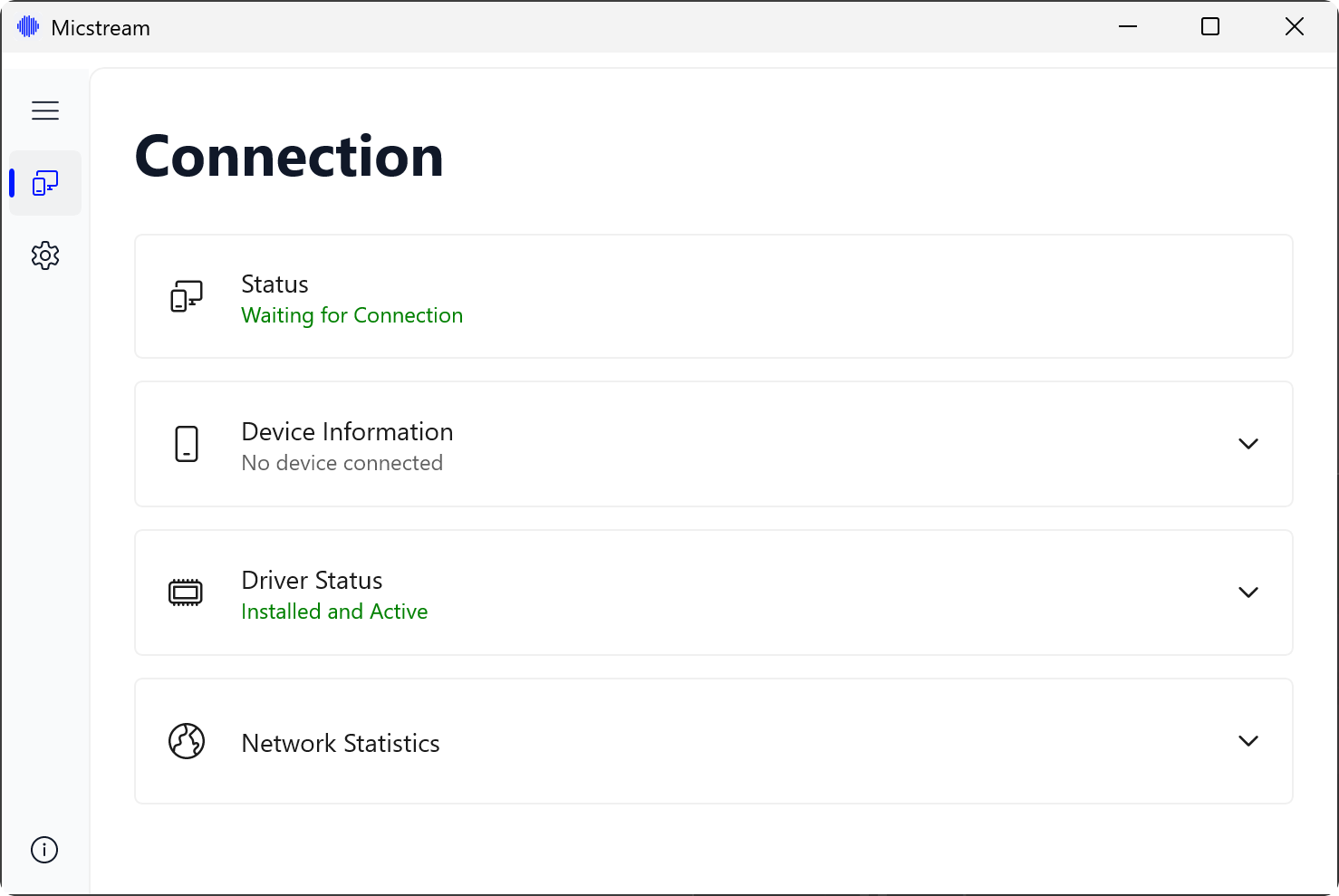 Main window, light 1478×989 · 48 KB
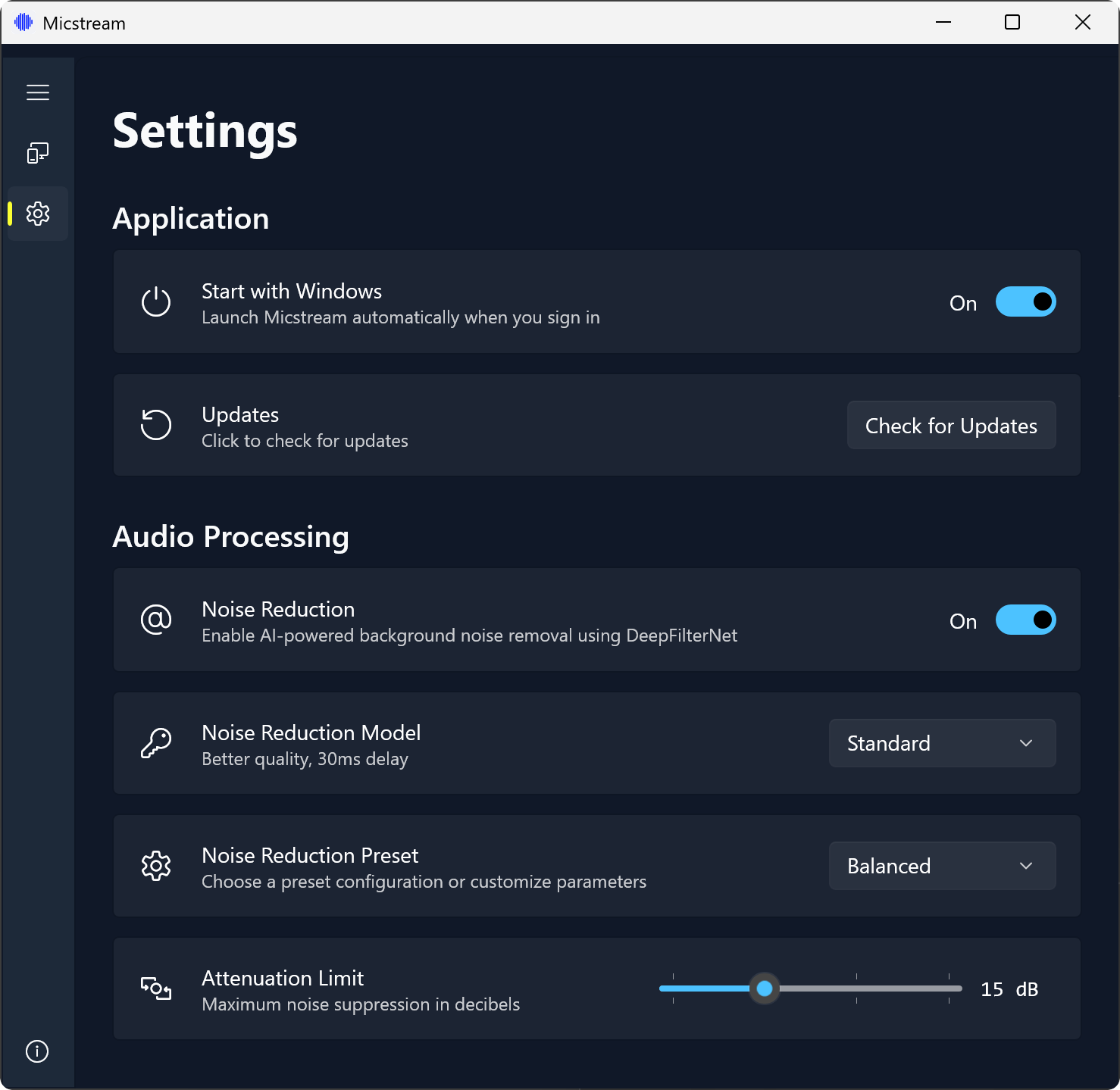 Settings, dark 1478×1439 · 113 KB
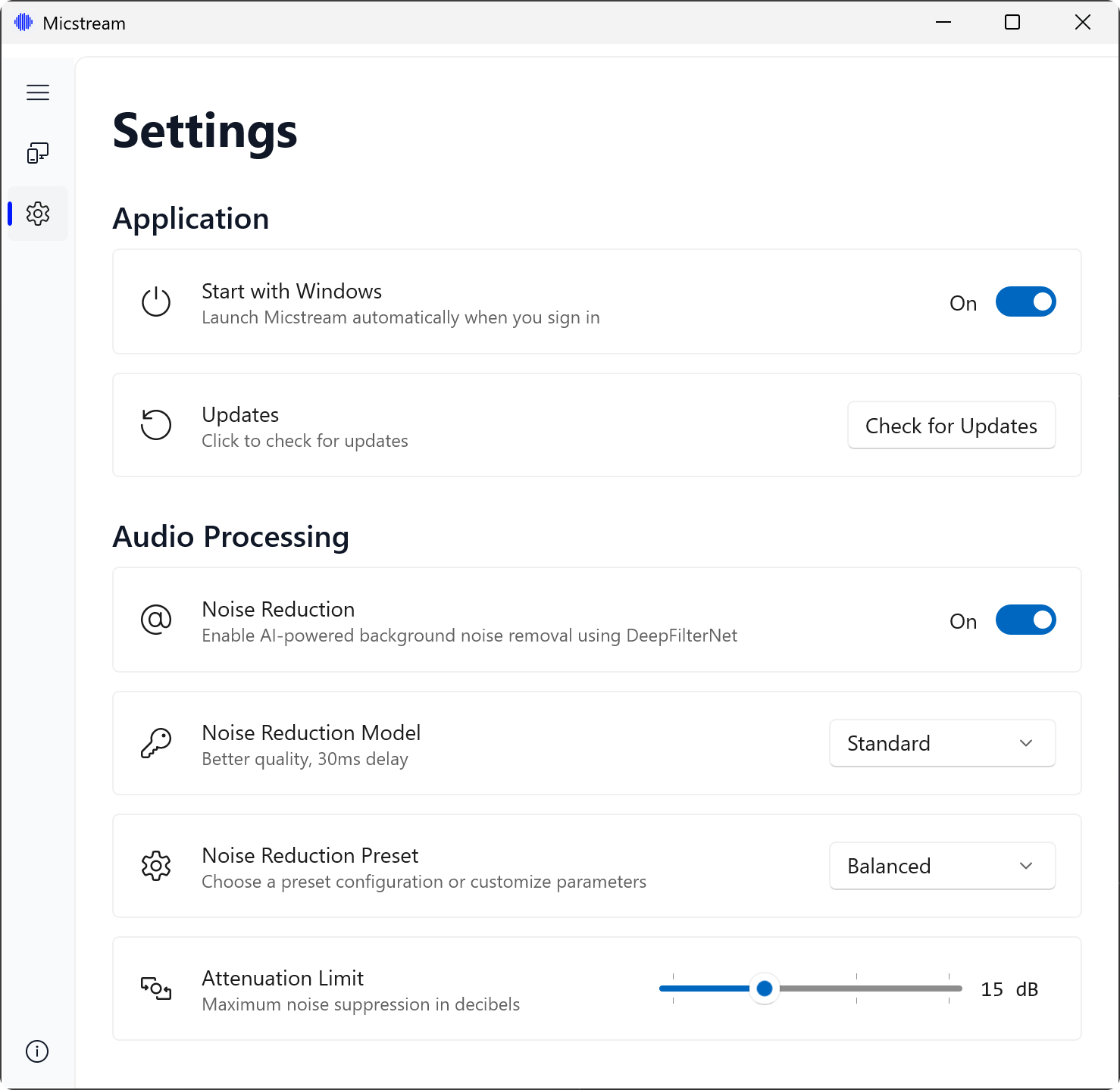 Settings, light 1478×1439 · 110 KB
All 4 files
- Main window, dark 1478×989 · 48 KB
- Main window, light 1478×989 · 48 KB
- Settings, dark 1478×1439 · 113 KB
- Settings, light 1478×1439 · 110 KB
Store graphics
The Google Play listing slides at 1080×1920, ready to use as article images.
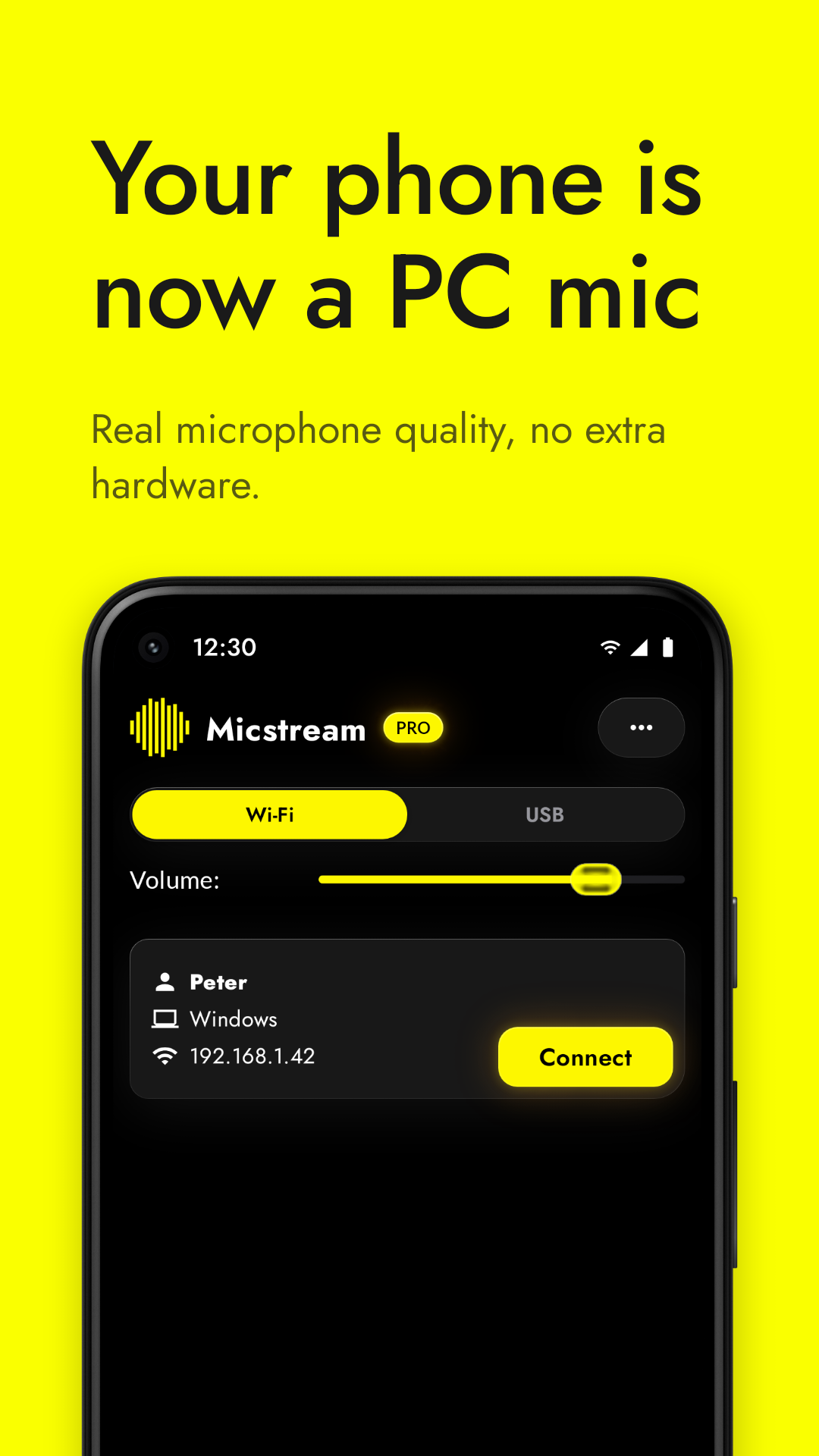 PC found over Wi-Fi 1080×1920 · 307 KB
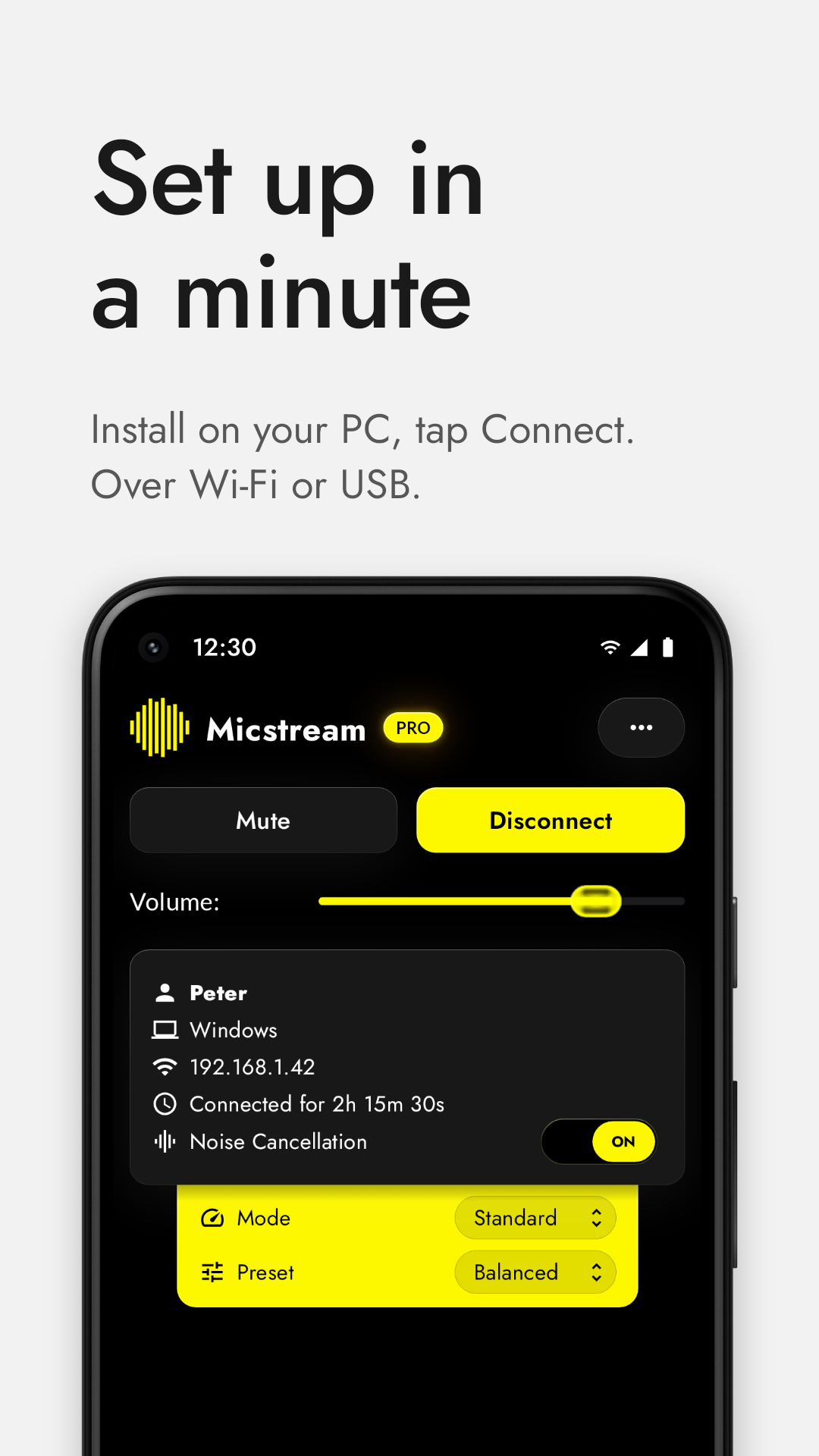 Streaming over Wi-Fi 1080×1920 · 309 KB
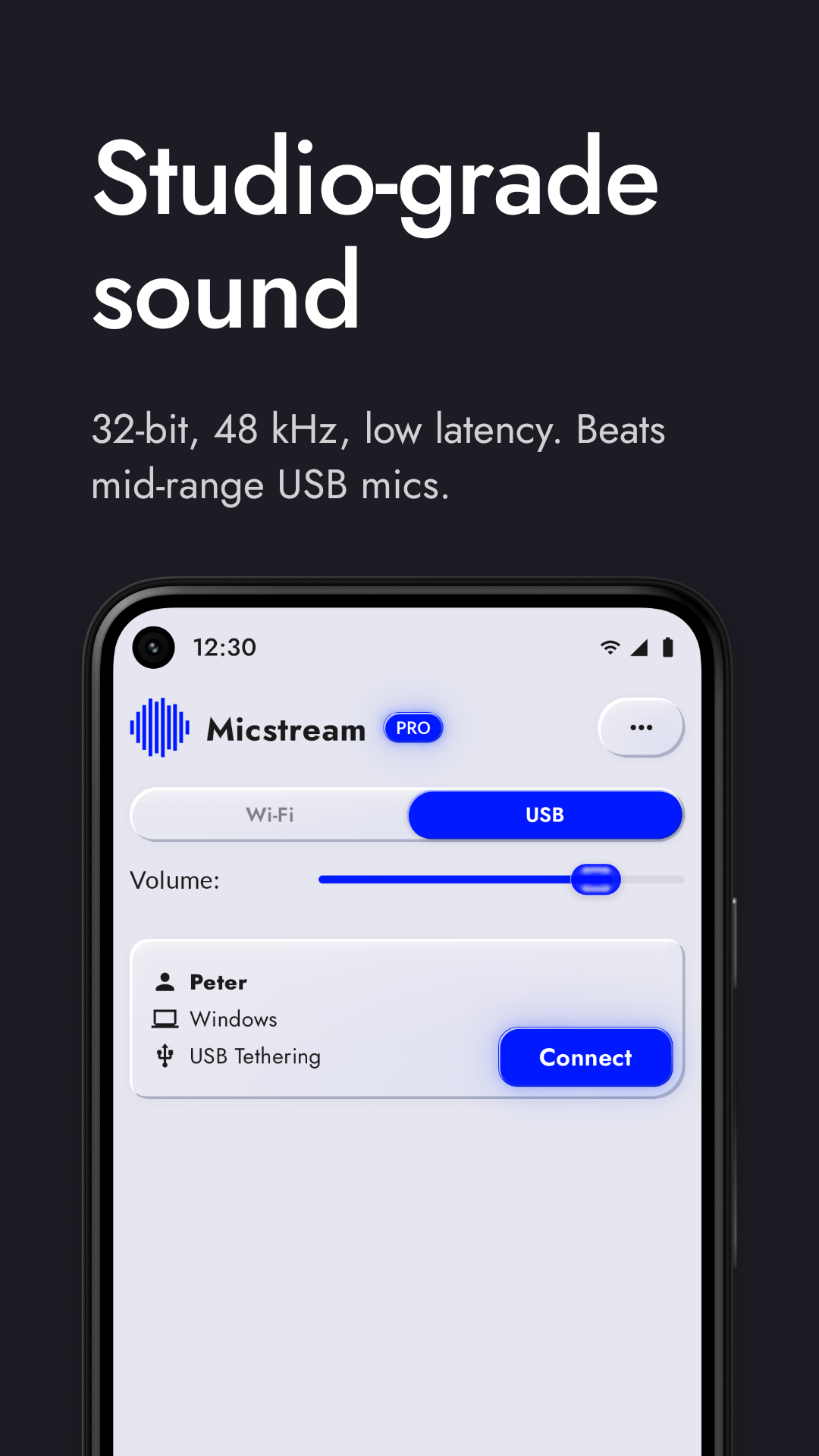 USB connection 1080×1920 · 394 KB
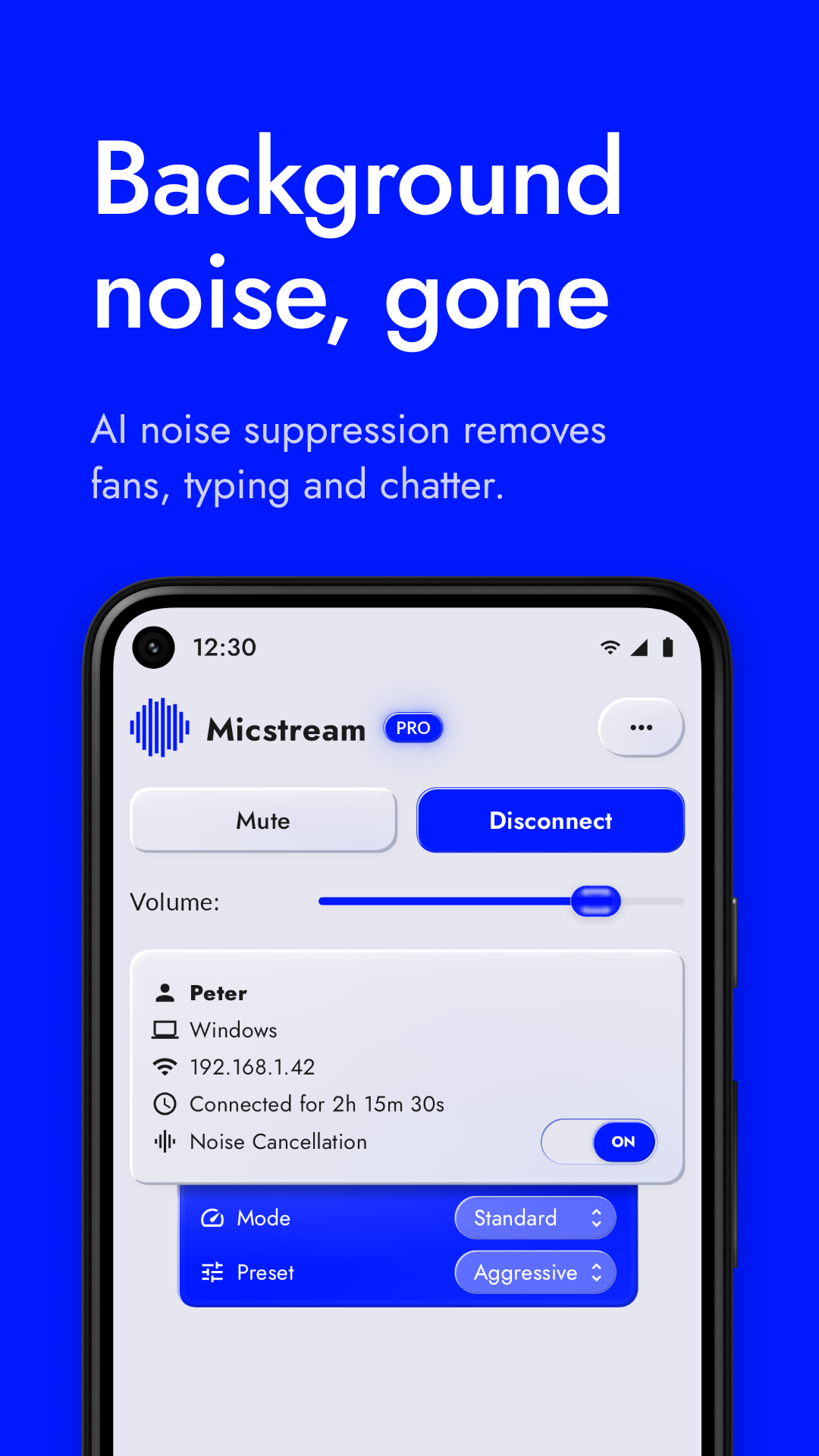 Noise cancellation 1080×1920 · 487 KB
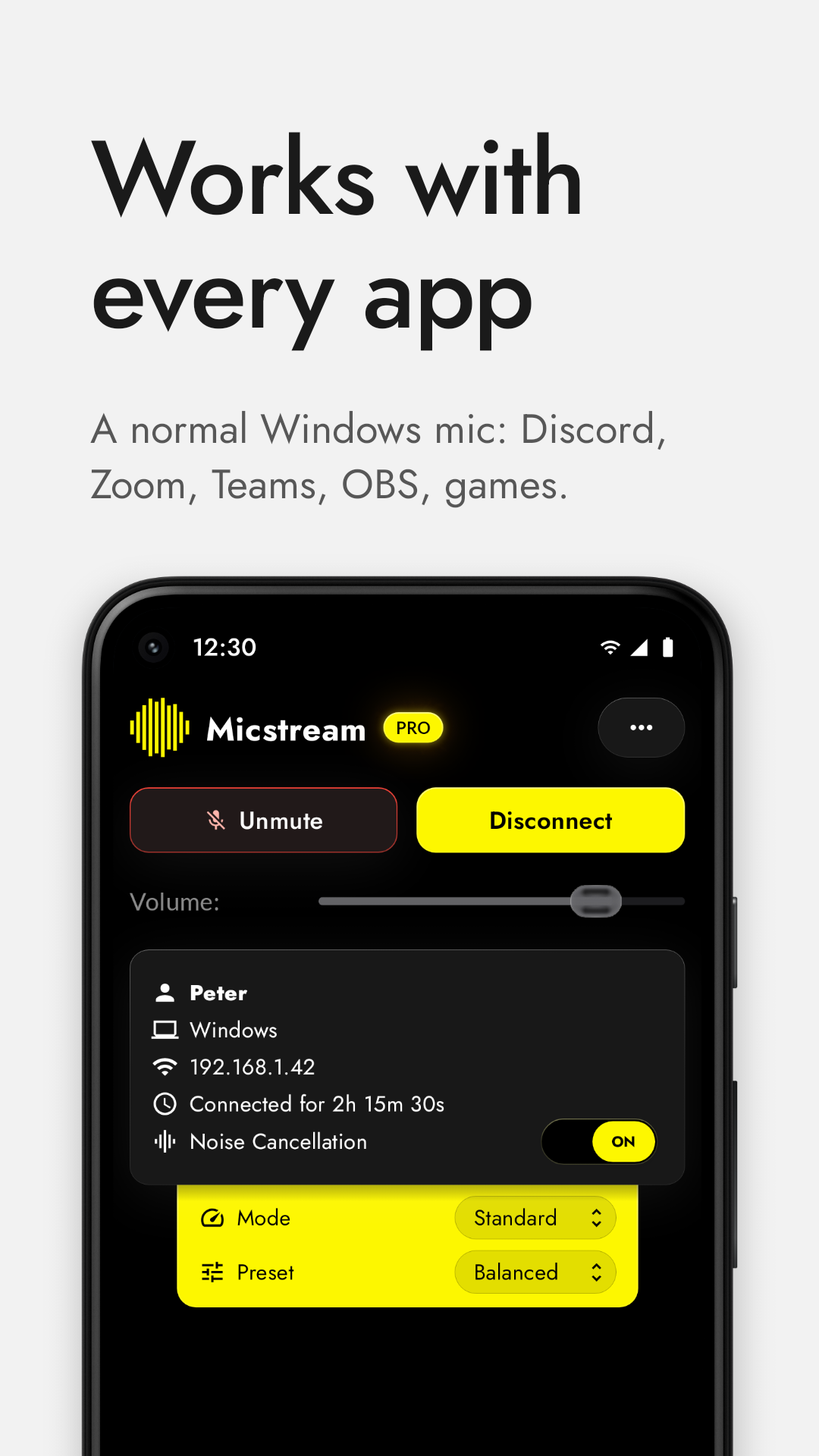 Muted from the phone 1080×1920 · 318 KB
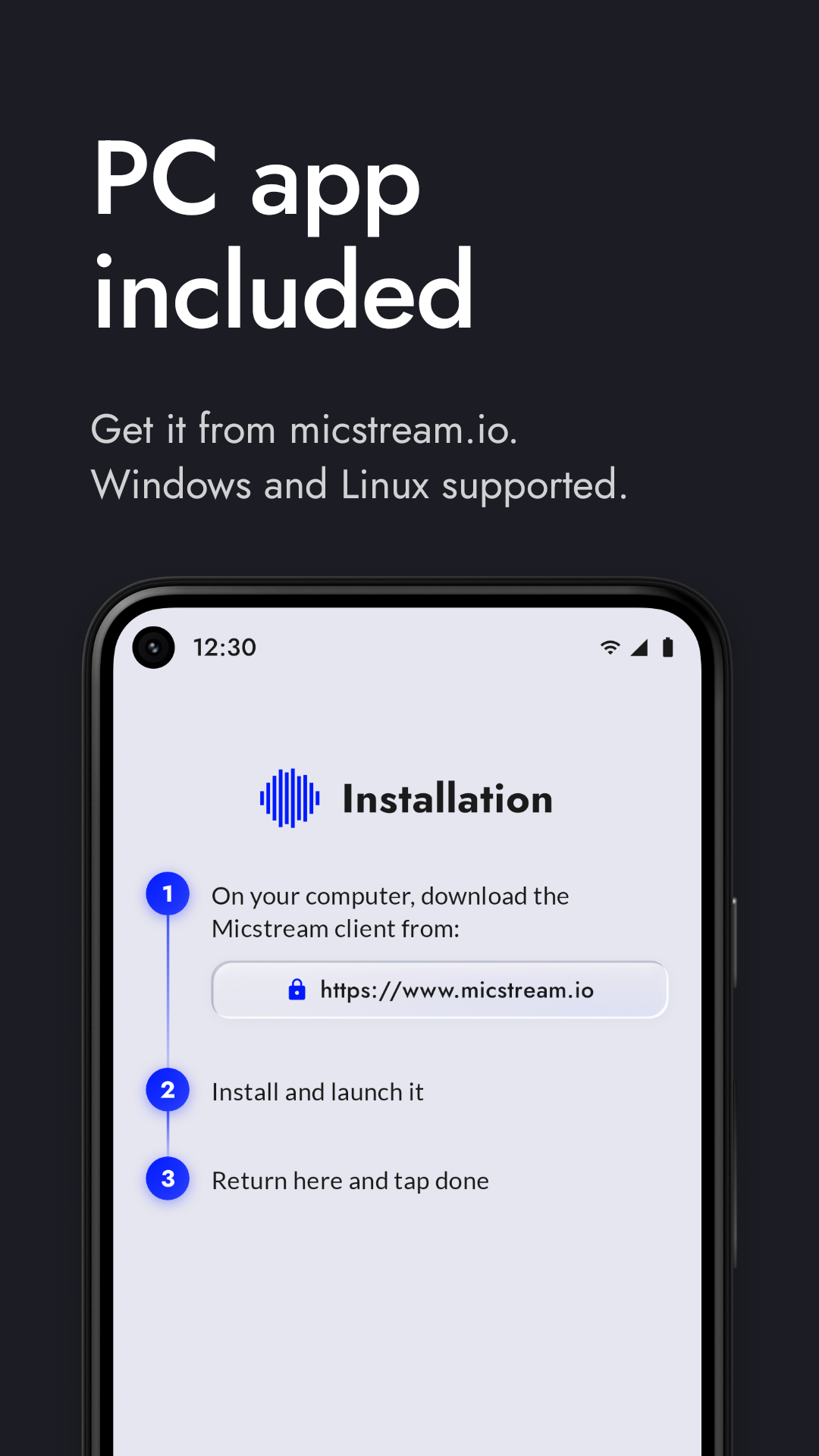 First-launch setup guide 1080×1920 · 315 KB
All 6 files
- PC found over Wi-Fi 1080×1920 · 307 KB
- Streaming over Wi-Fi 1080×1920 · 309 KB
- USB connection 1080×1920 · 394 KB
- Noise cancellation 1080×1920 · 487 KB
- Muted from the phone 1080×1920 · 318 KB
- First-launch setup guide 1080×1920 · 315 KB
Colours
Micstream Blue
#0019FF
logo and accents on light backgrounds
Micstream Yellow
#FBFF33
logo and accents on dark backgrounds
Light surface
#F1F2F6
app and website background, light theme
Dark surface
#0E0E17
app and website background, dark theme
Using these assets
- The name is written Micstream — one word, capital M.
- Use the logo as provided: don't recolour, stretch, rotate it or add effects. Blue goes on light backgrounds, yellow on dark ones.
- Screenshots may be cropped, annotated and combined freely.
- Please don't present Micstream as endorsing your product or publication.
Missing something — a specific screen, a video, a quote? Write to contact@micstream.io.